Hollywood Scoring Tools
The All-In-One Scoring Tool
From Blank Session to Finished Score…
Faster Than Ever Before.
- Over 300 composer-crafted Scores and 1000 presets over multiple genres
- Built from 164 expertly recorded instruments
from EastWest and Sonuscore - Instruments from 5 different worlds: Orchestral, Synths, Band, World, Choir & Percussion
- Choose your genre, load a Score, customize the Score in any way to fit your composition
- Instantly inspiring — remove the barriers to creating with one powerful creative workflow
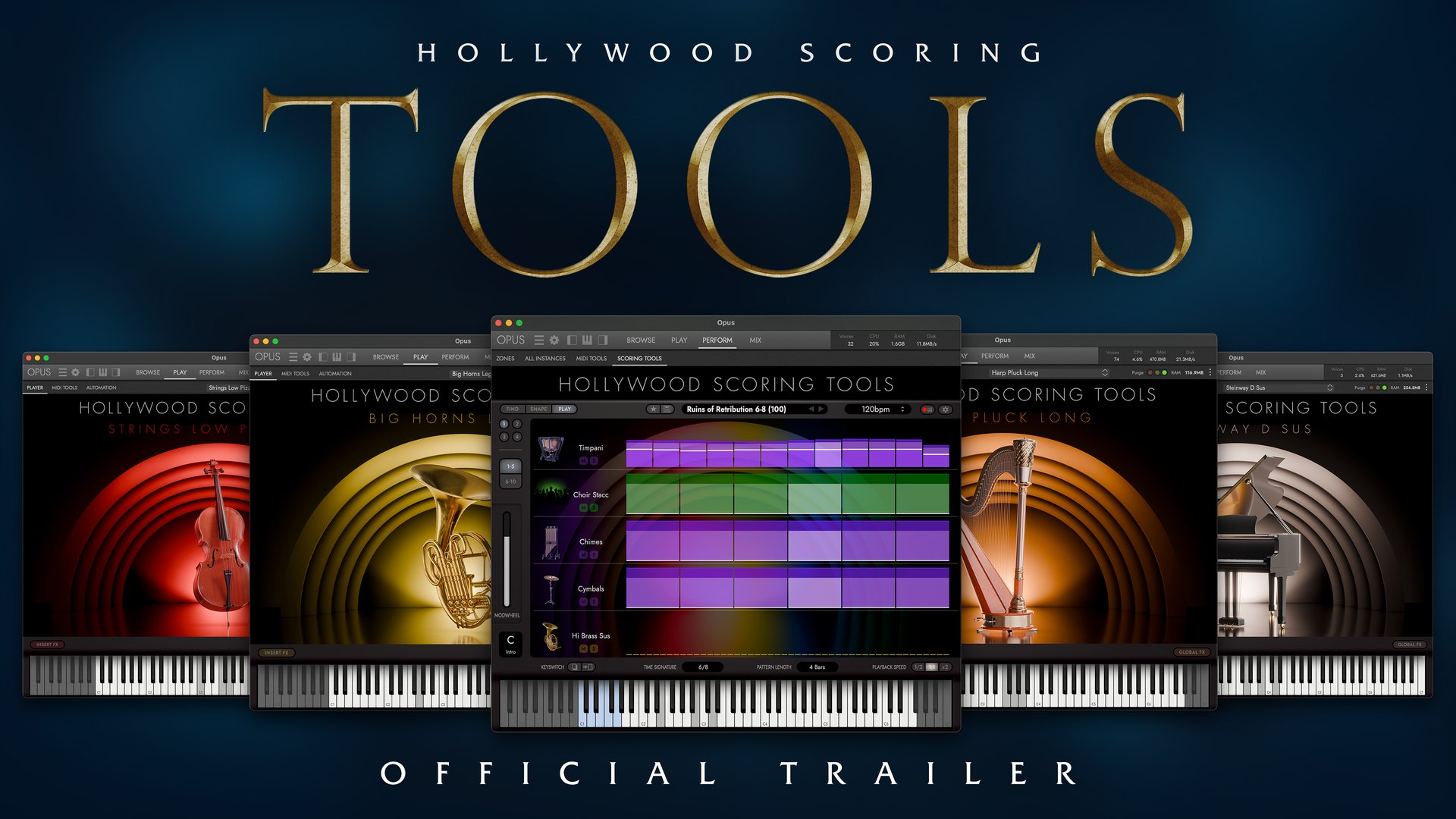
Watch the Trailer
Trusted by the World’s Top Composers
- EastWest Sounds has 120+ International Awards, including multiple NAMM TEC Awards
- EastWest is endorsed by the industry's top composers and producers, including James Newton Howard, John Powell, Danny Elfman, Brian Tyler, Laura Karpman, ZEDD, David Campbell, Mac Quayle and Wilbert Roget II
- 30+ Years of Innovation
- Millions of Productions created with EastWest instruments
Why Hollywood Scoring Tools?
Your Best Ideas Shouldn’t Start With Hours of Programming
Every composer knows the feeling. You have the perfect musical idea in your head, but before you can write it you’re searching through hundreds of patches, loading instruments, balancing layers, assigning articulations, and building templates. By the time you’re ready, the inspiration is gone.
Hollywood Scoring Tools changes that. Instead of building from scratch, you begin with professionally designed presets called SCORES that are already balanced and performance-ready.
PlayCustomizeCompose
Built by Composers.
Not Algorithms.
Every SCORE was handcrafted by professional composers from EastWest and Sonuscore. Every orchestral layer, every synth texture, every performance control, every dynamic balance, every effect was chosen because it works musically. These aren’t random sound combinations. They’re scoring tools designed by composers who understand deadlines, storytelling, and emotional impact.
You can then customize each Score to make it your own, or create new ones. Change anything, change any setting, and once you’re satisfied save your own custom Score and build your own collection.
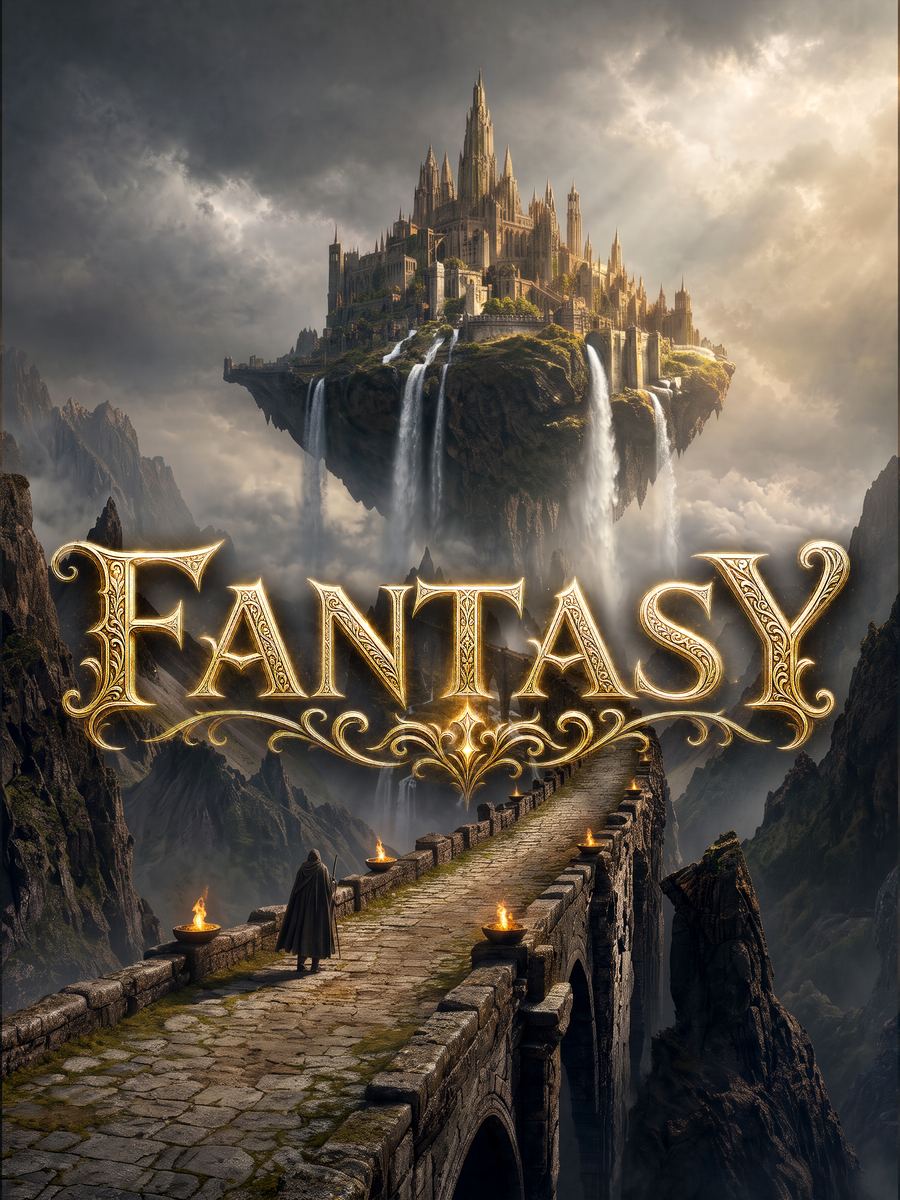
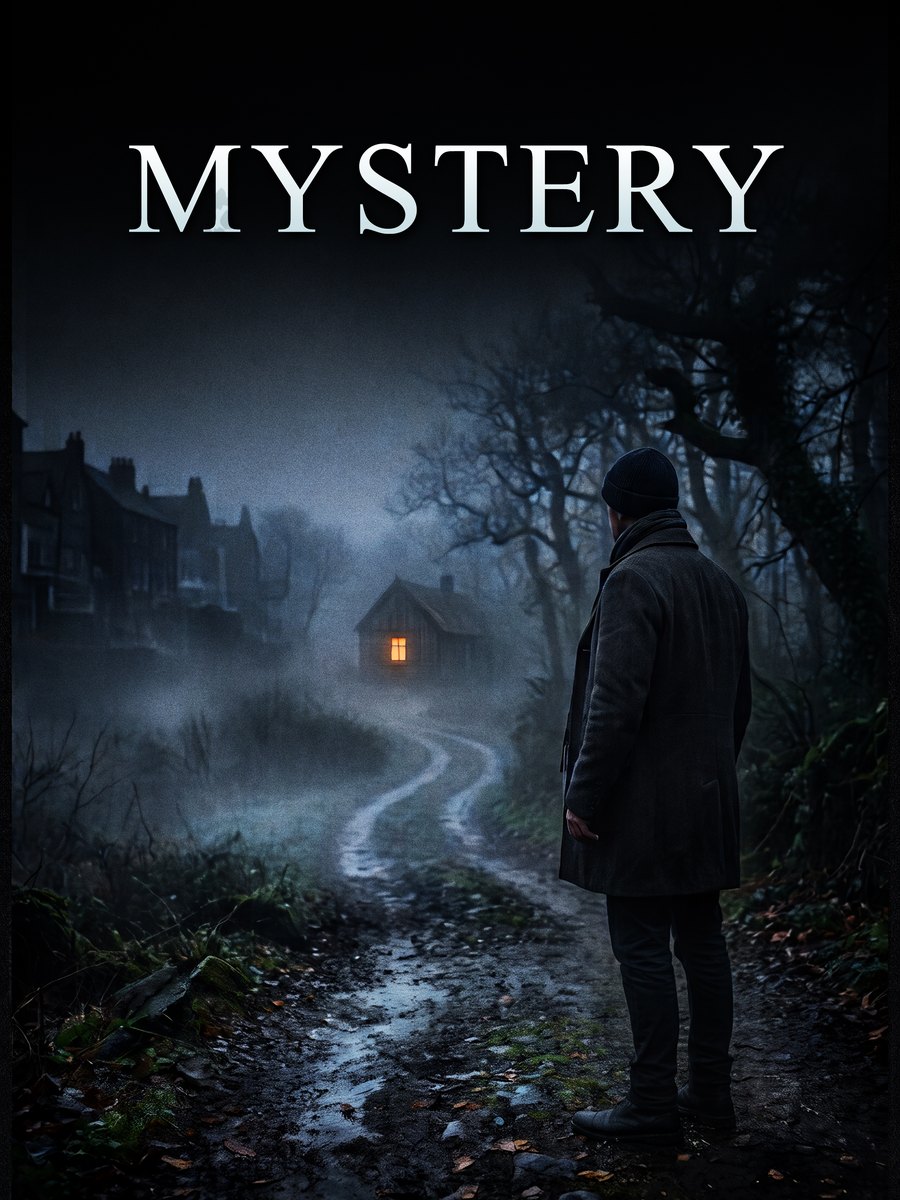
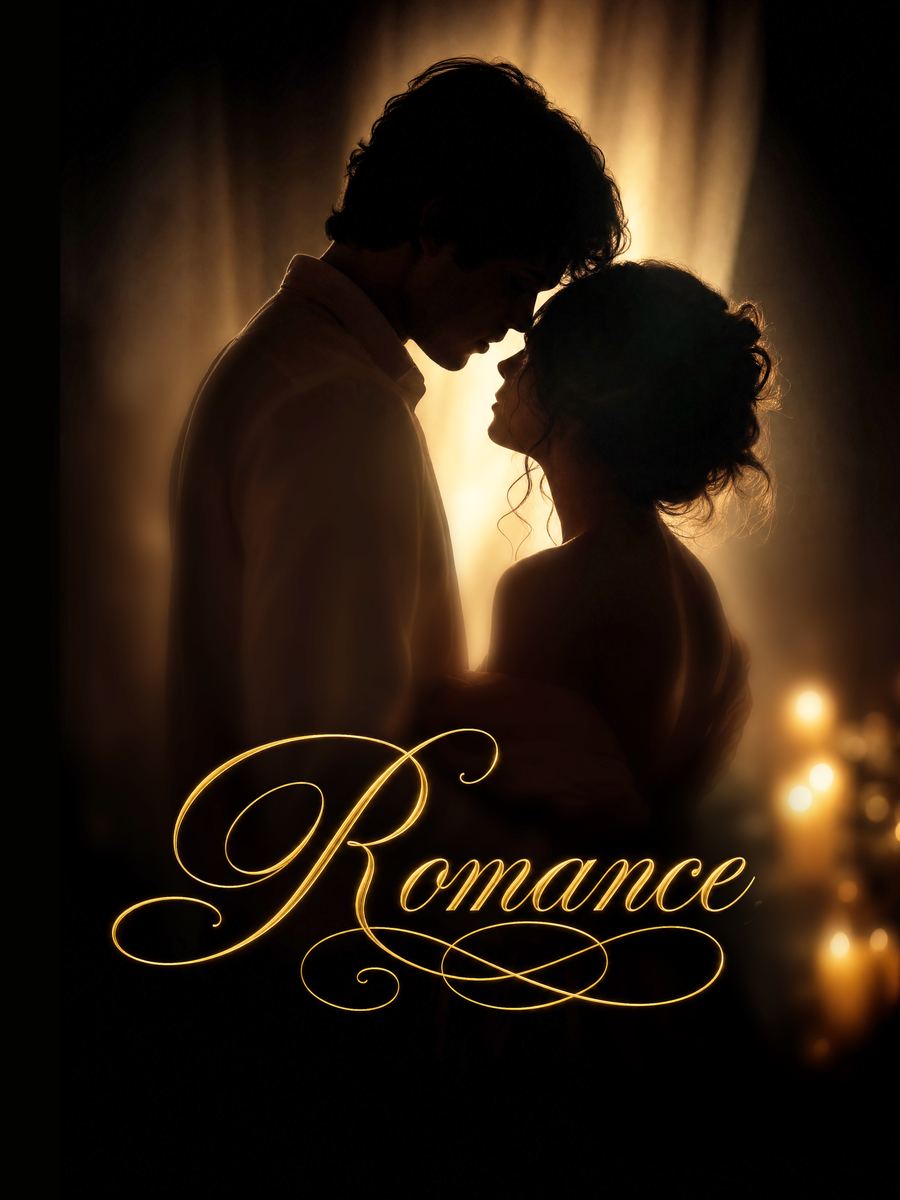
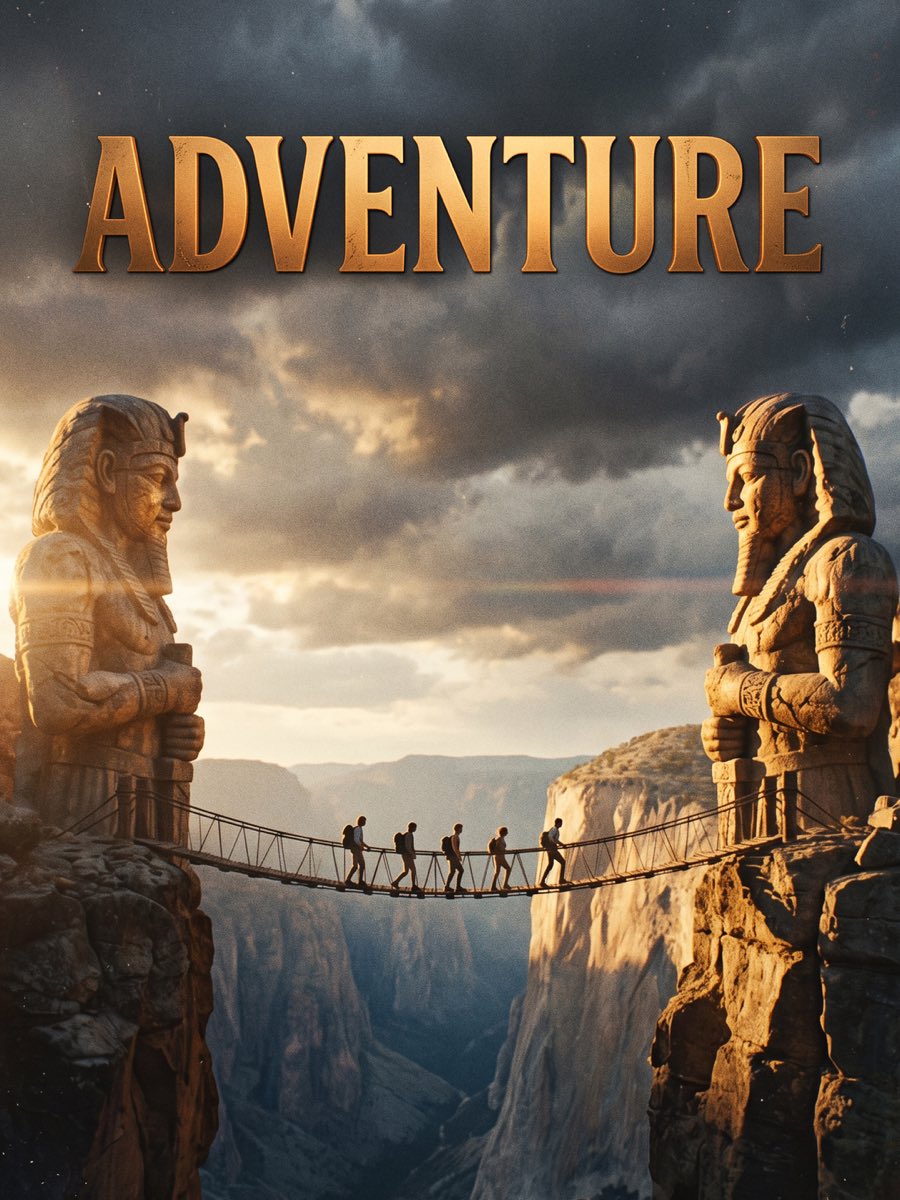
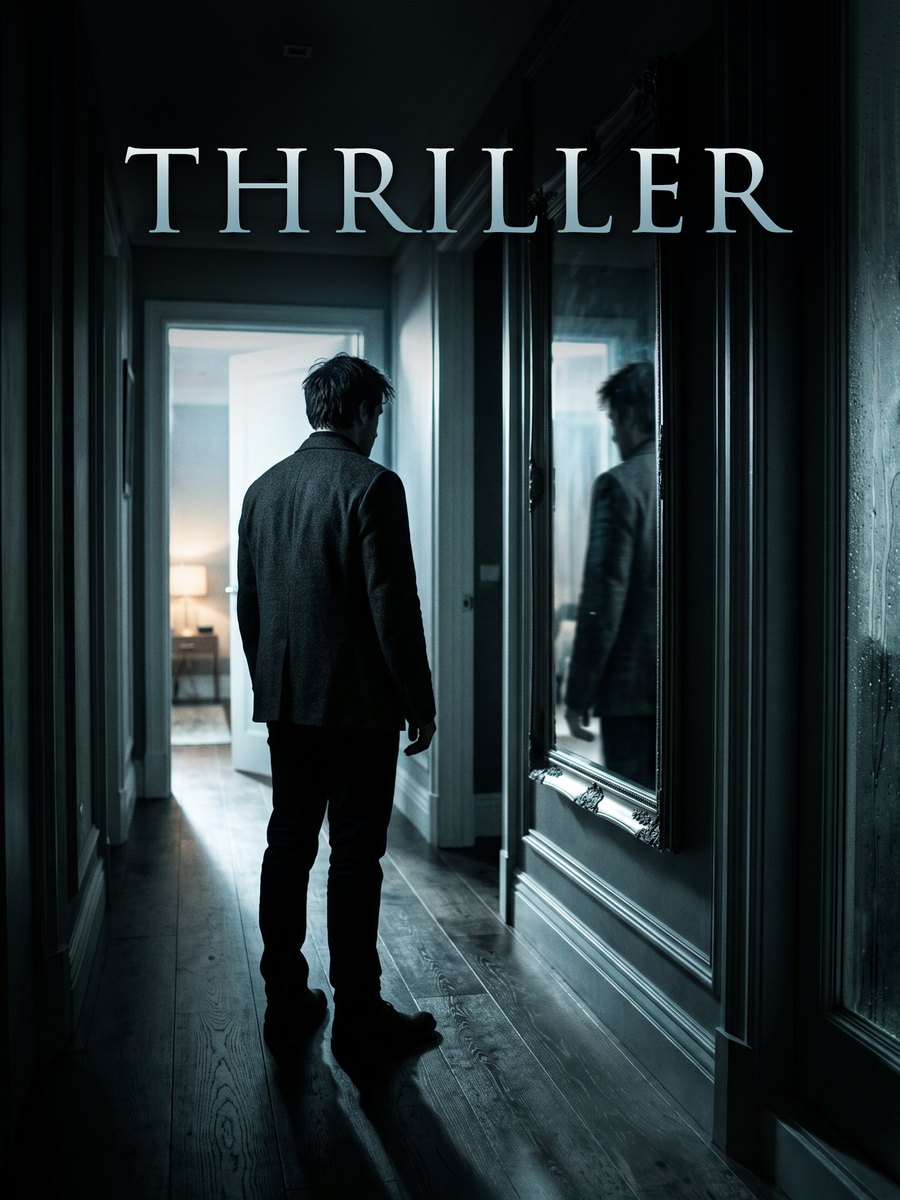
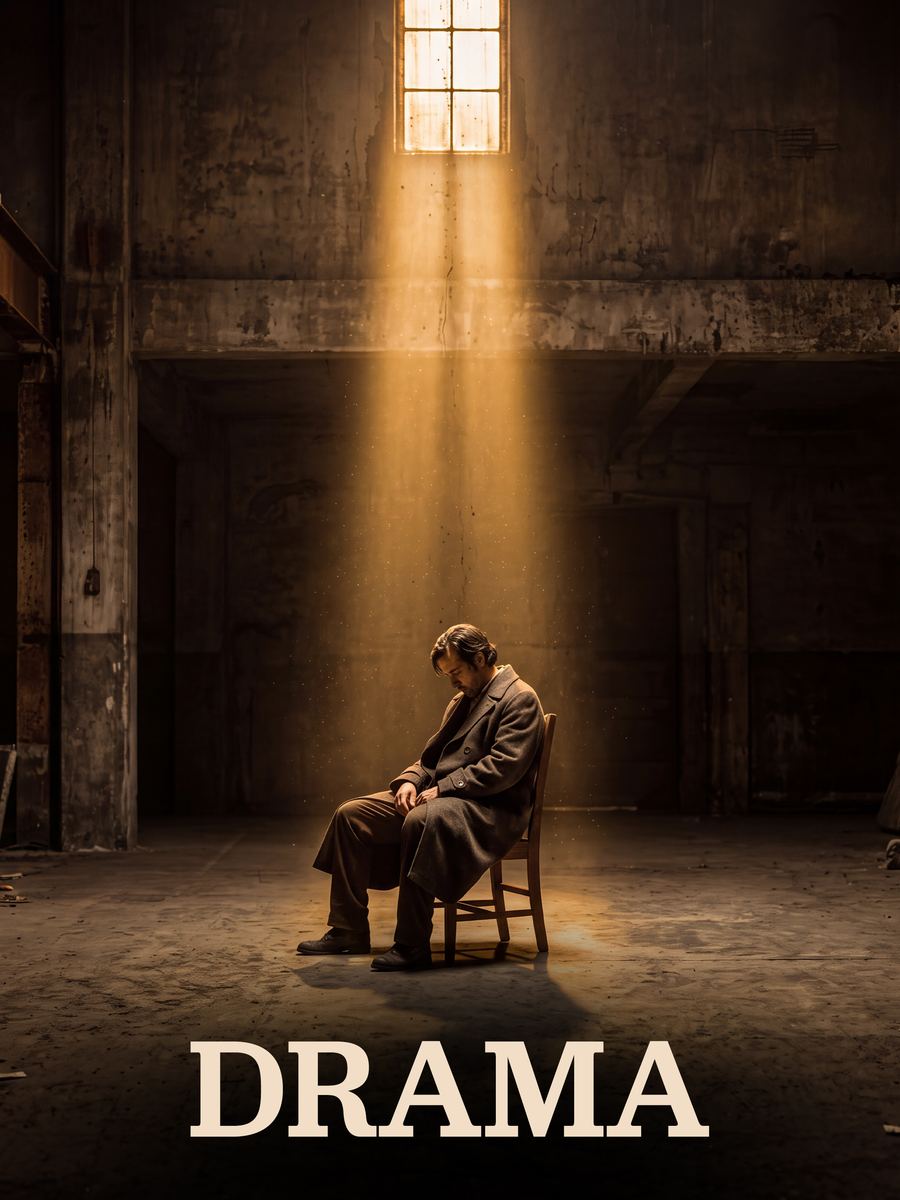
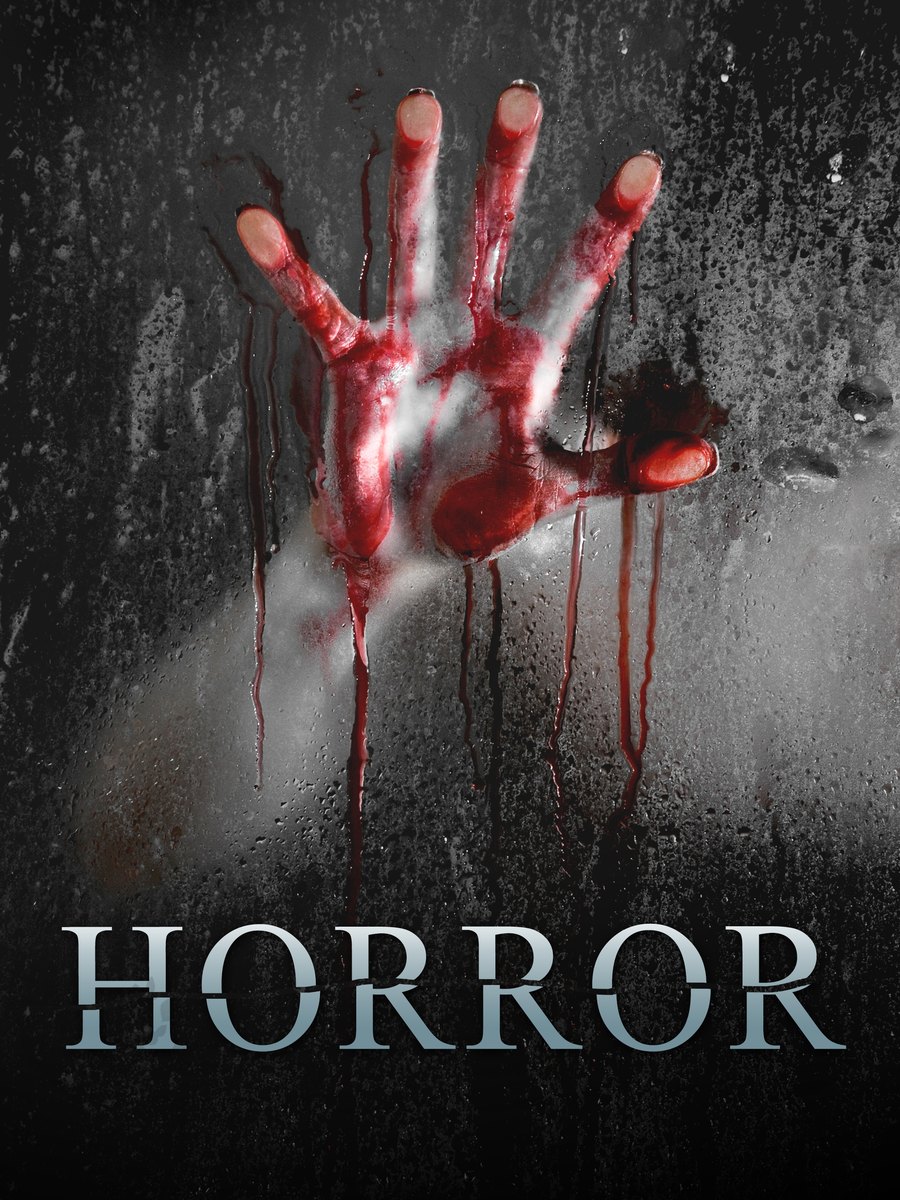
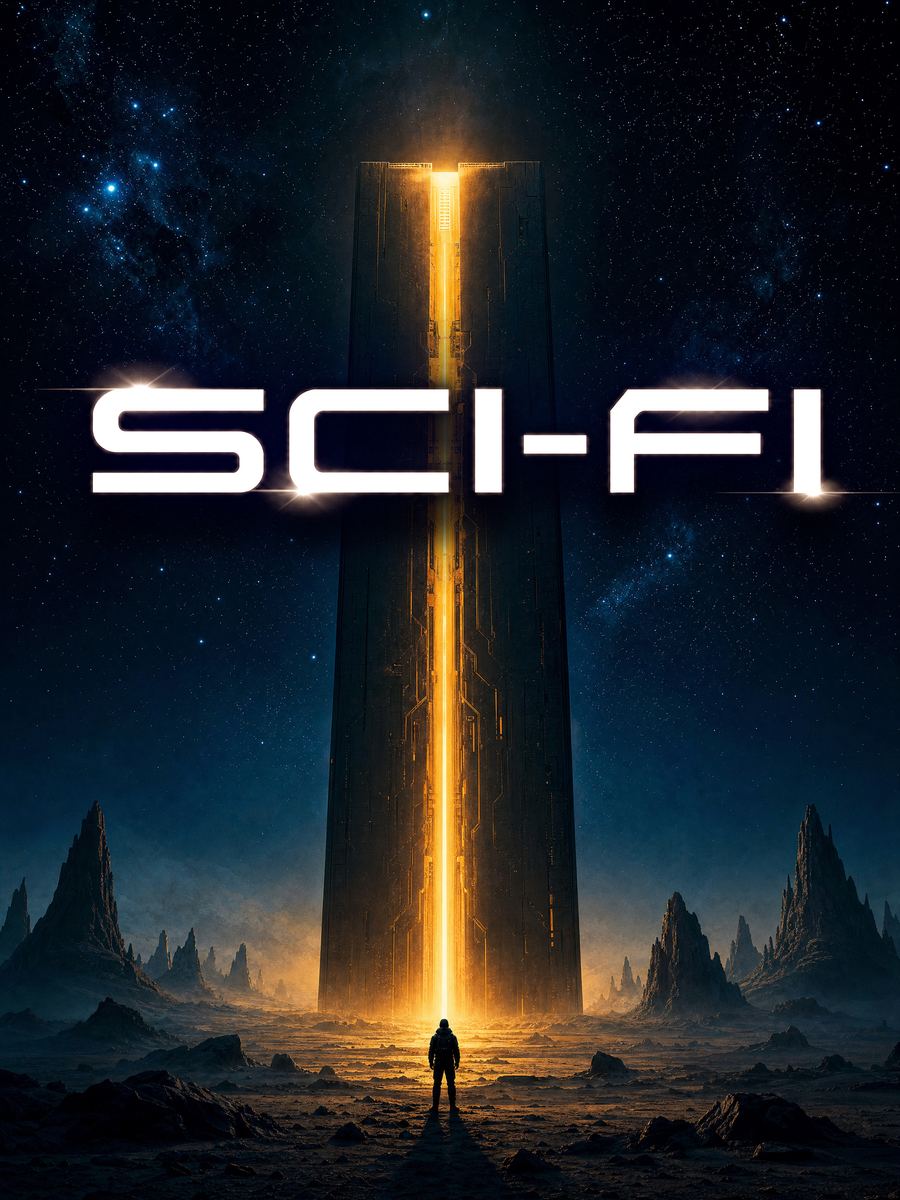
More Than 300 Scores and
1000 Presets Over Multiple Genres






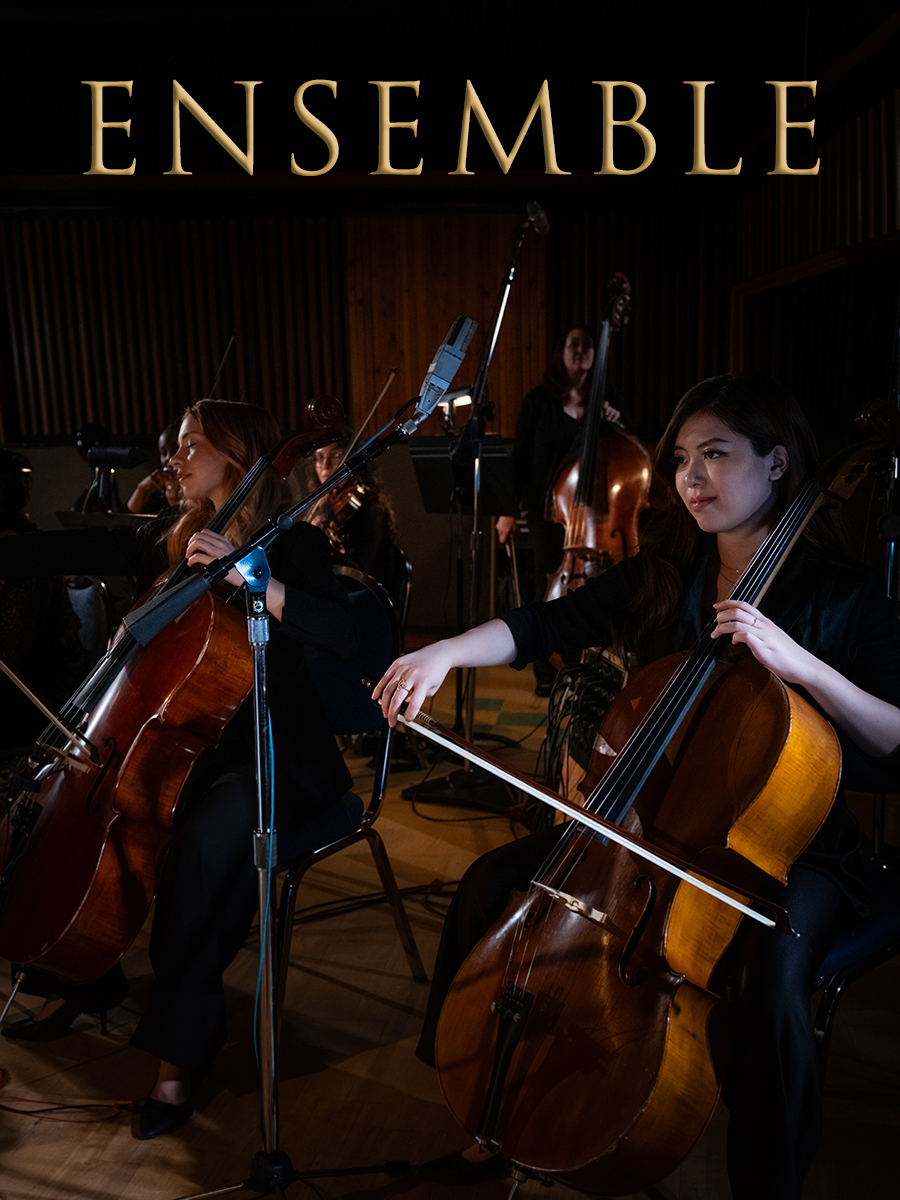
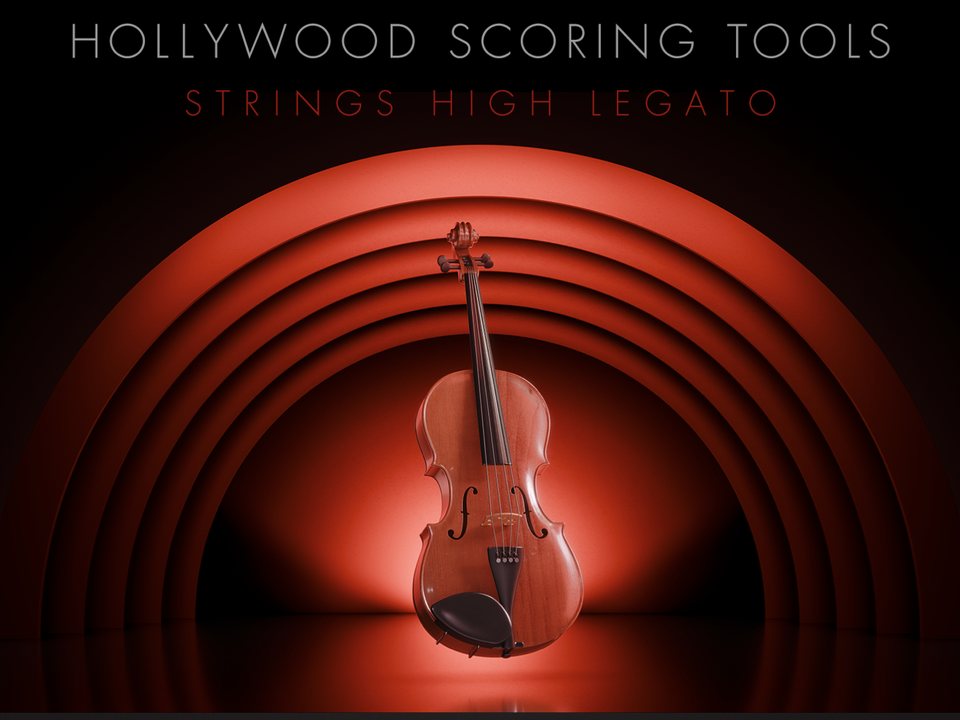
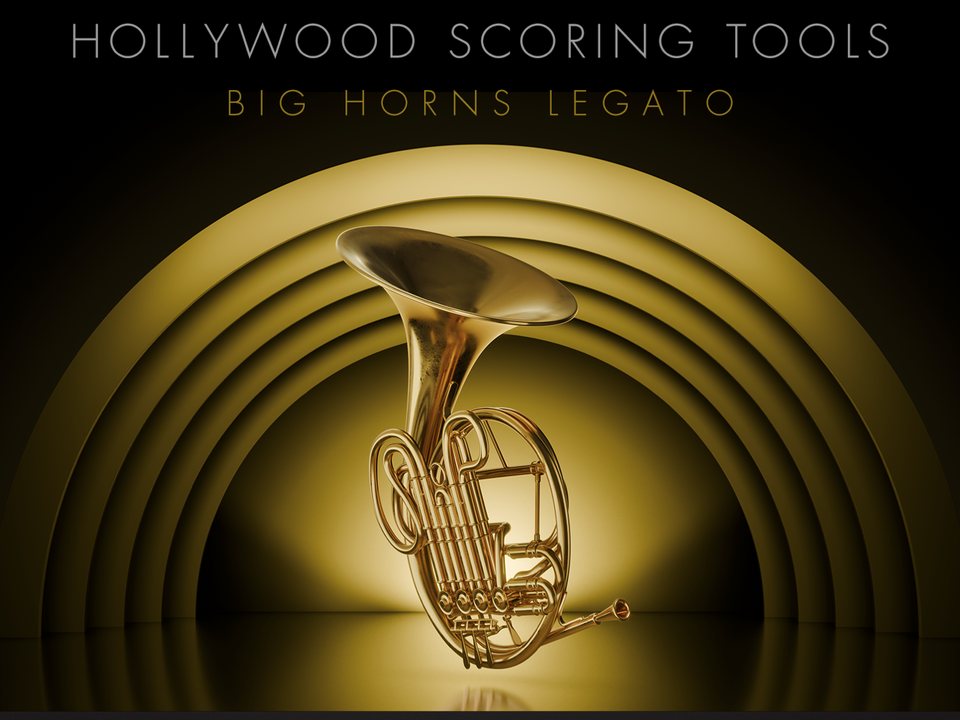
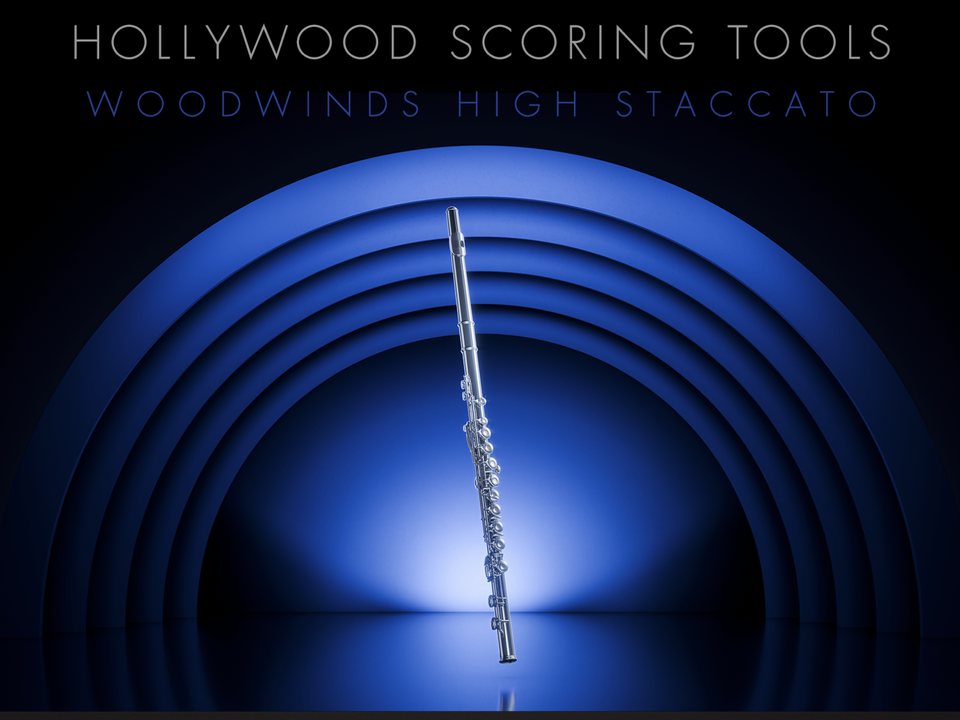
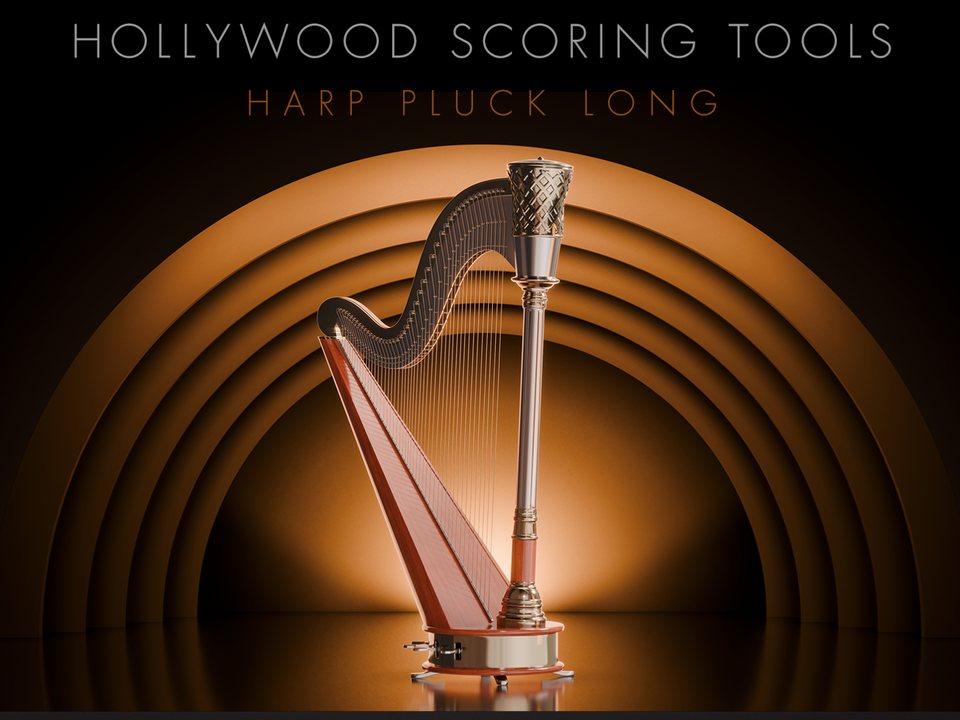
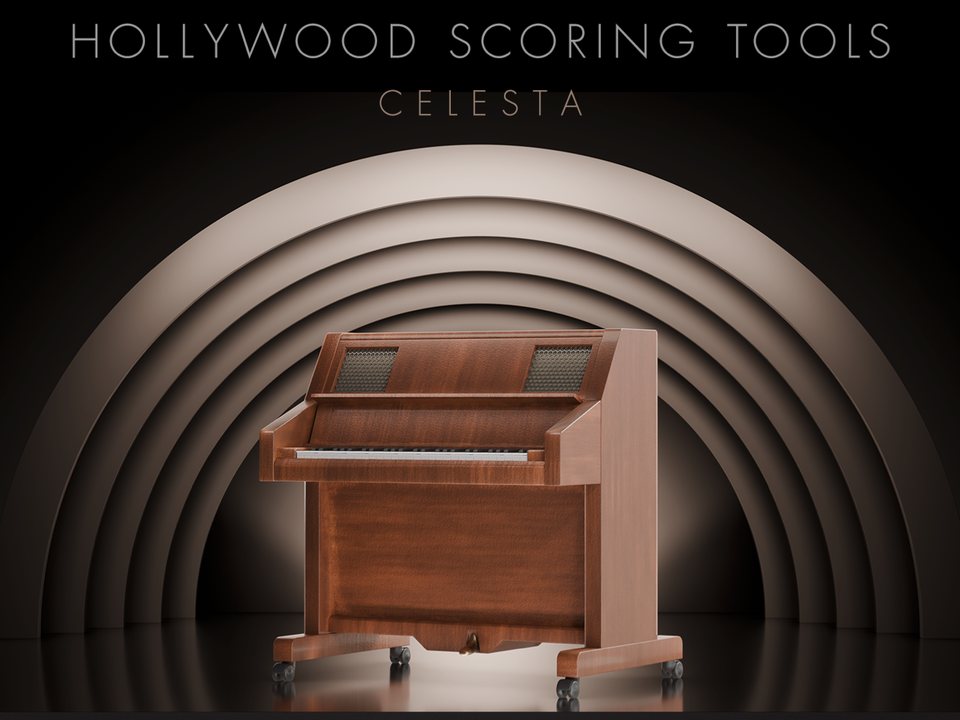
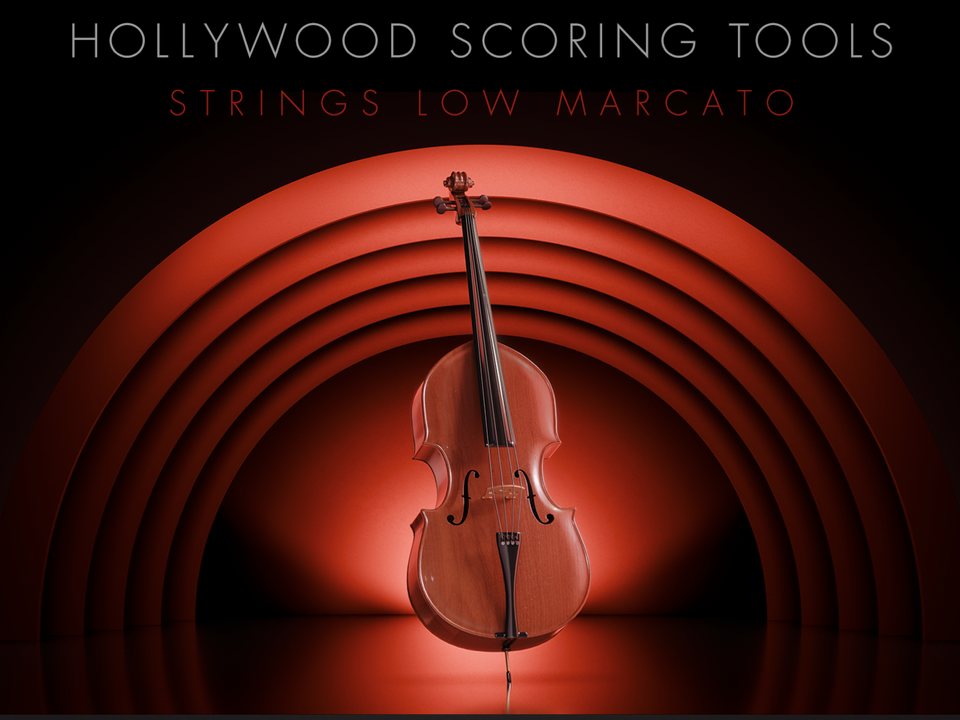
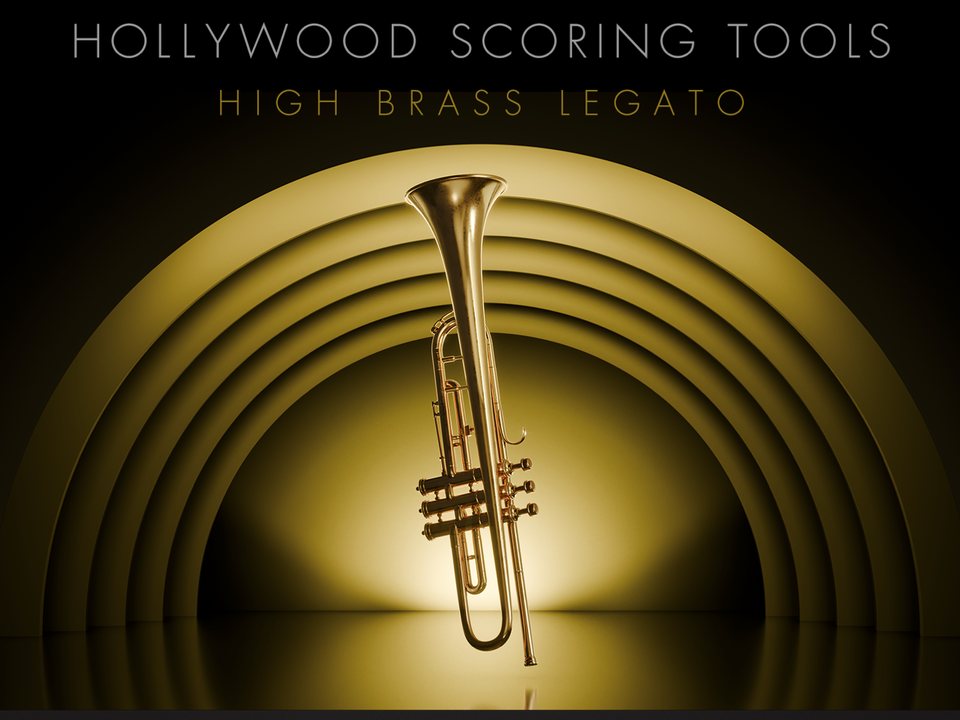
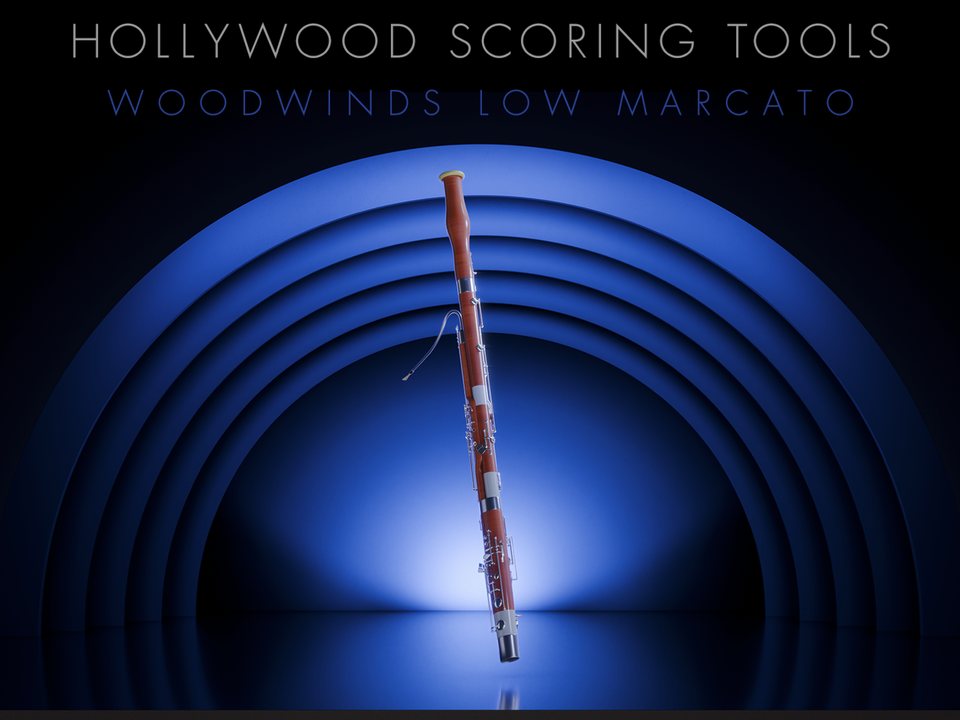
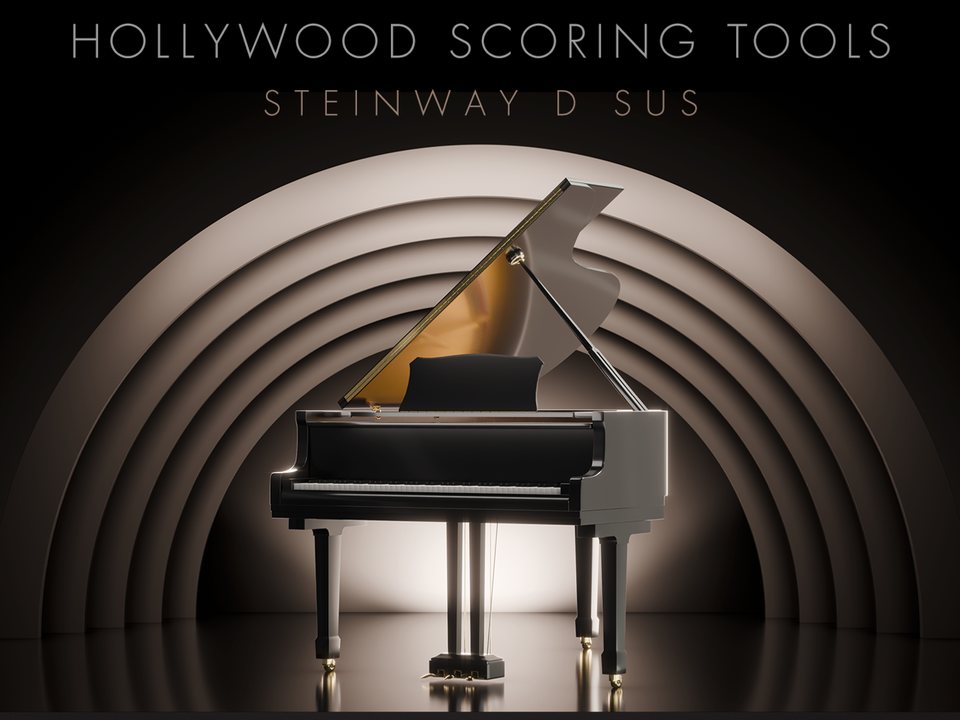
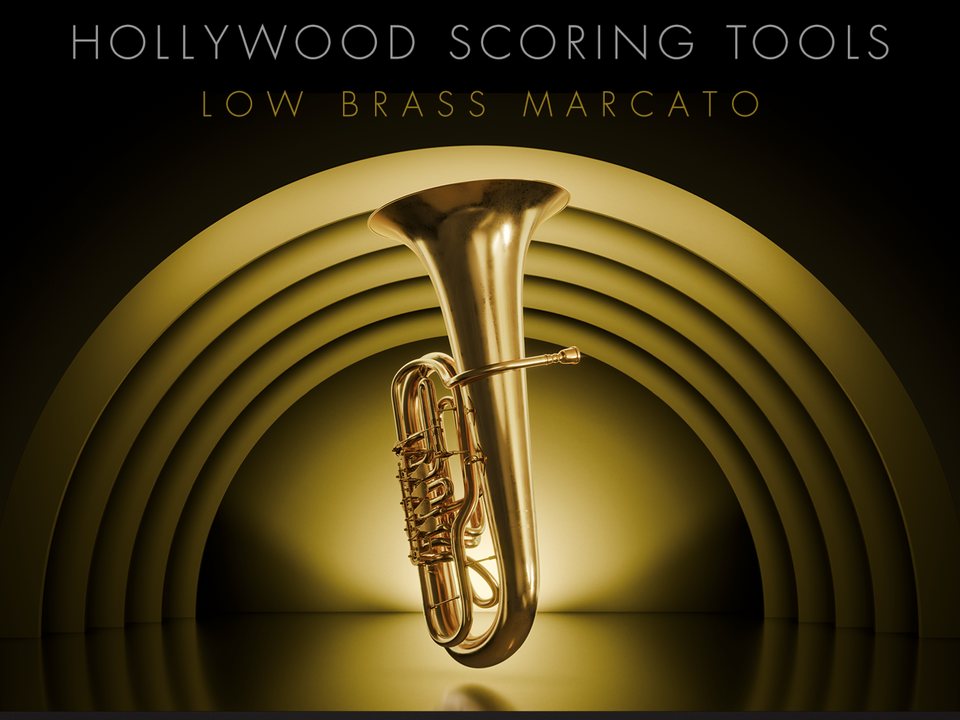
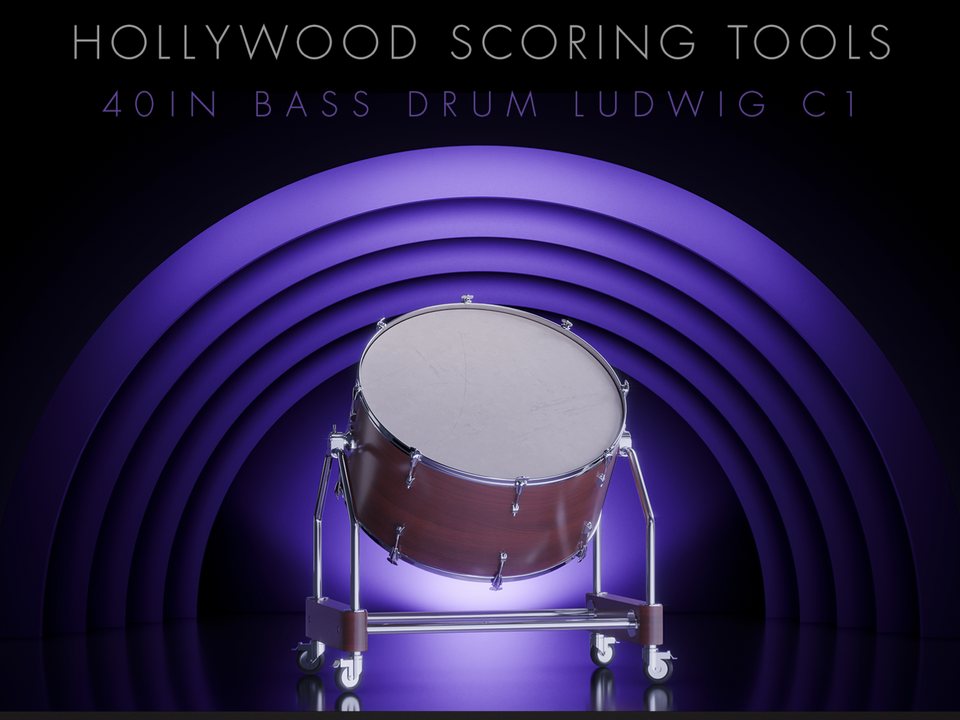
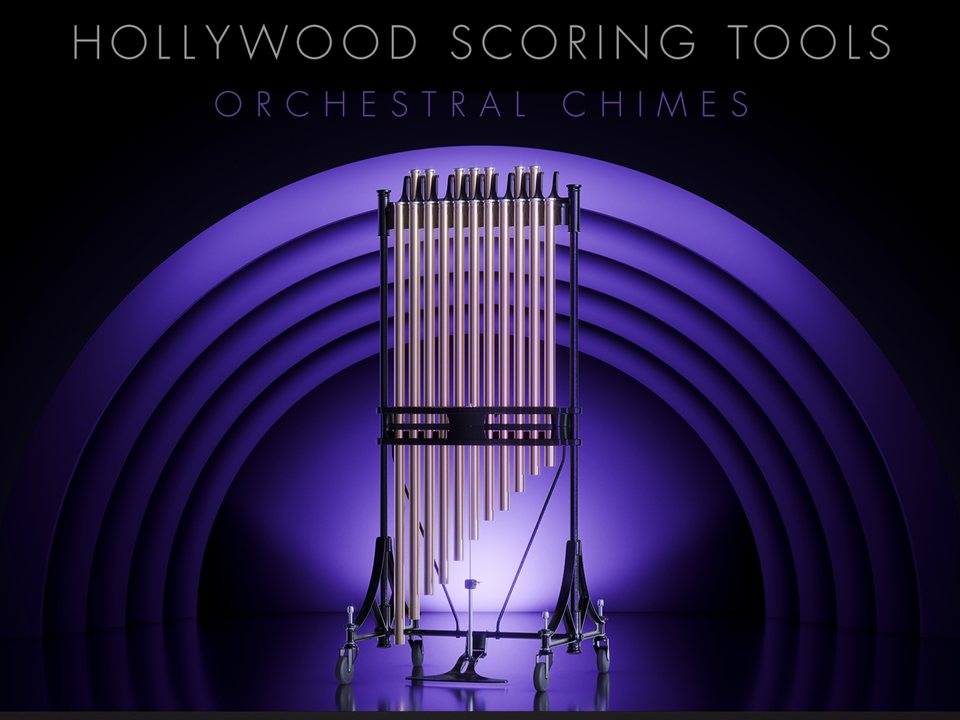
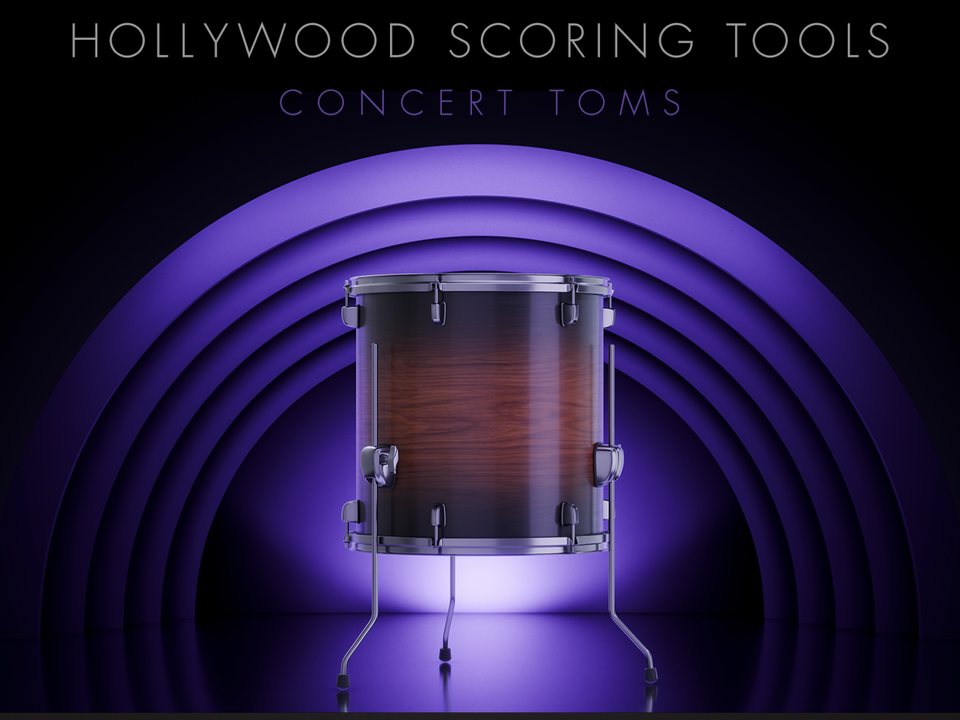
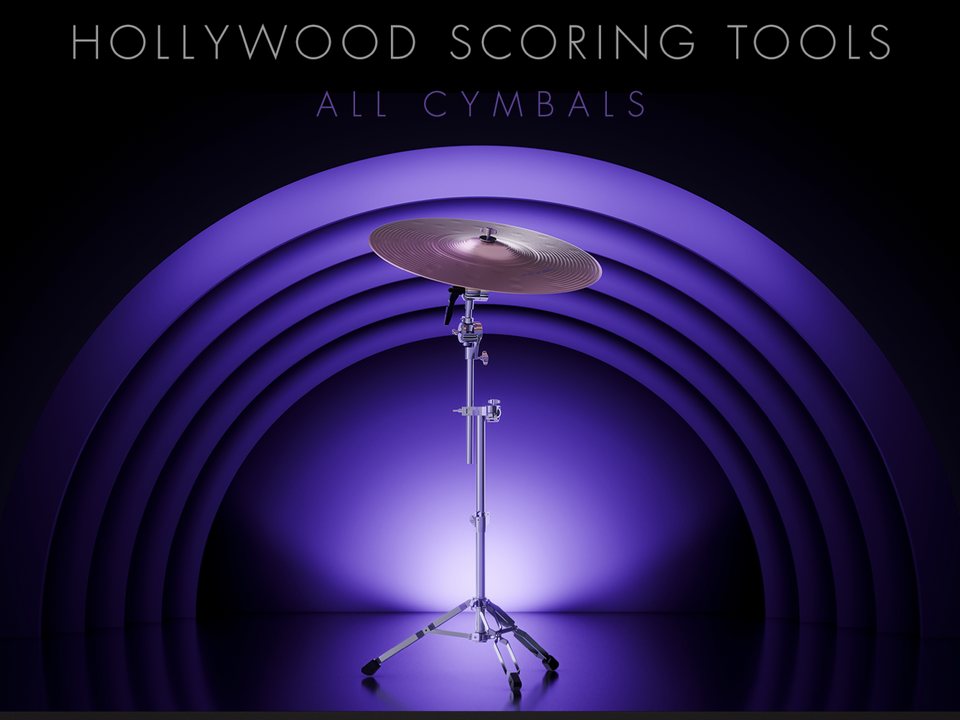
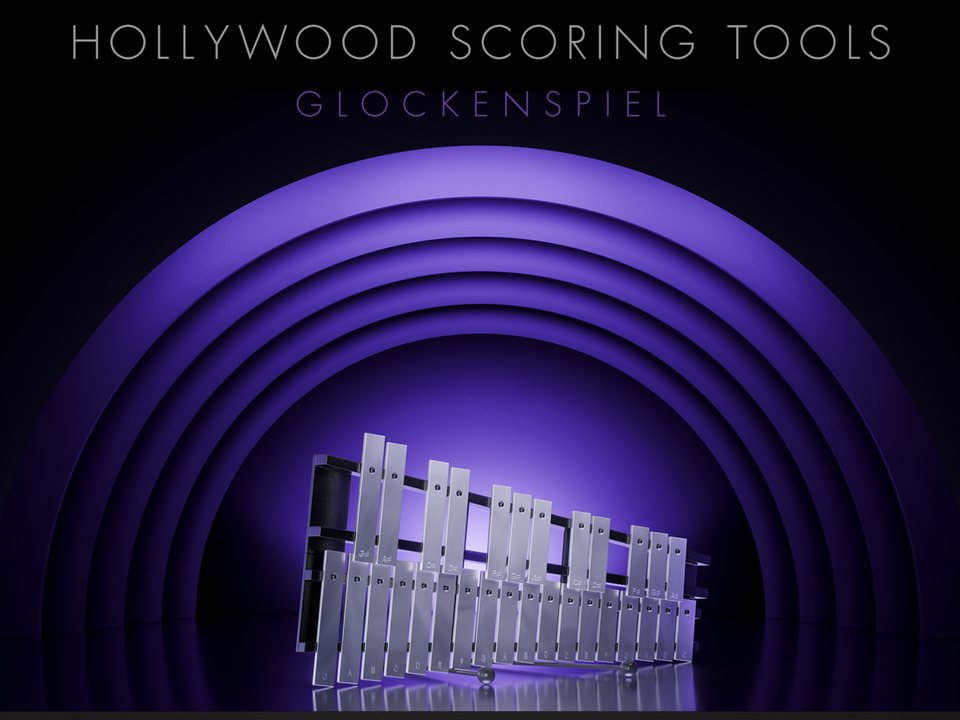
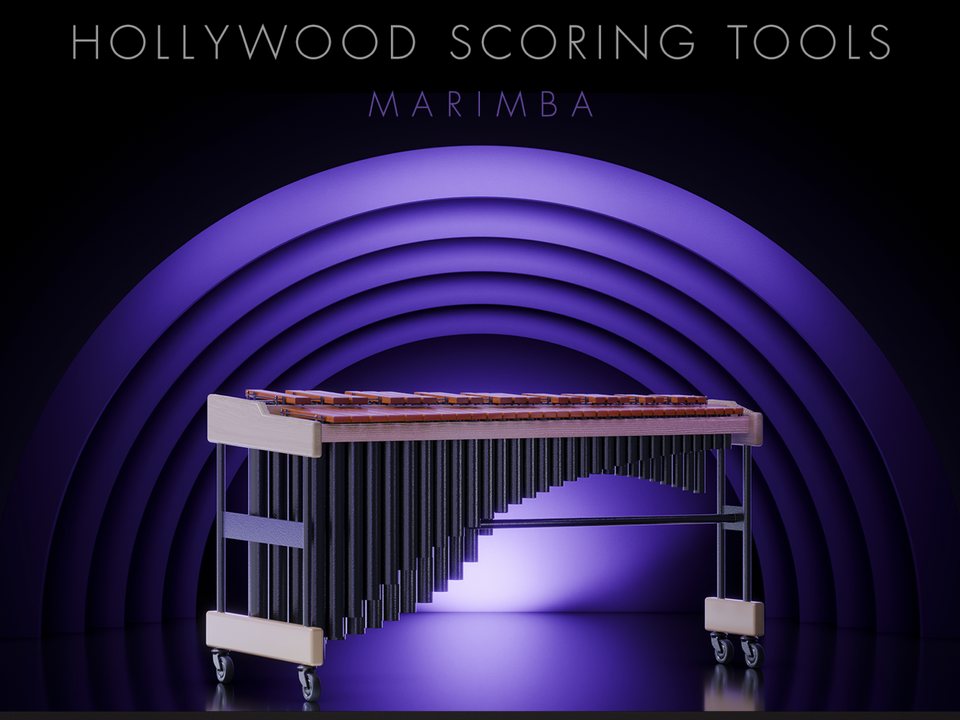
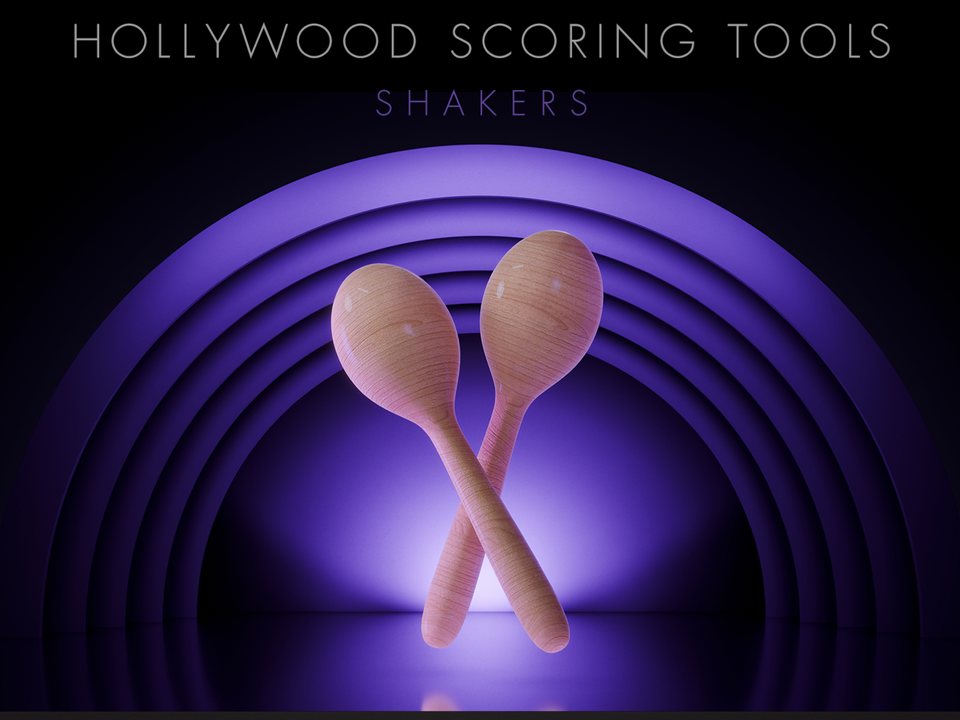
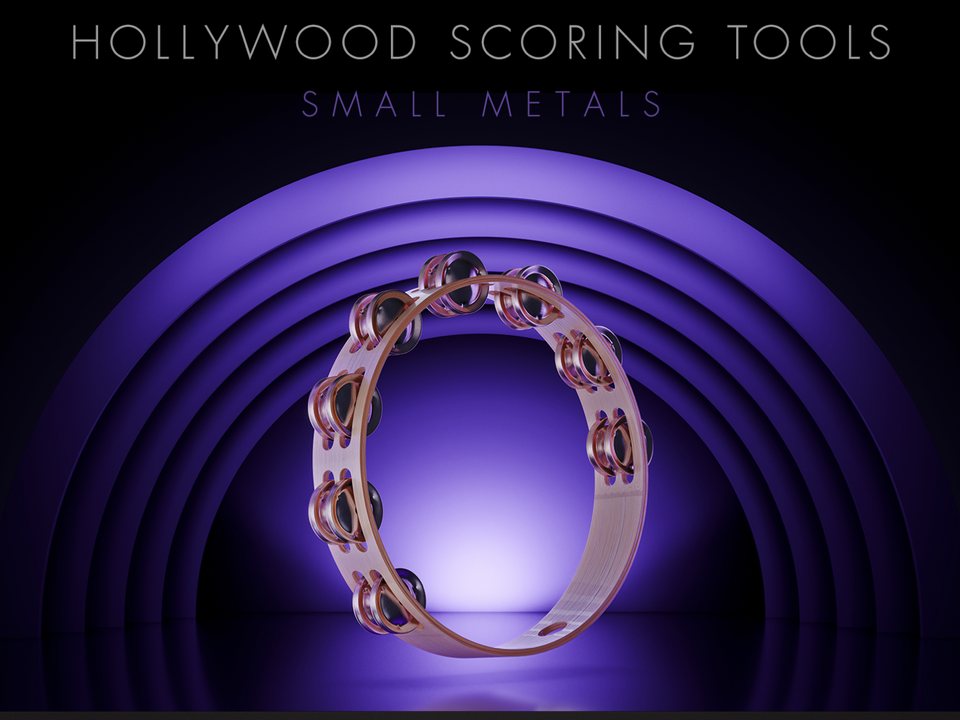
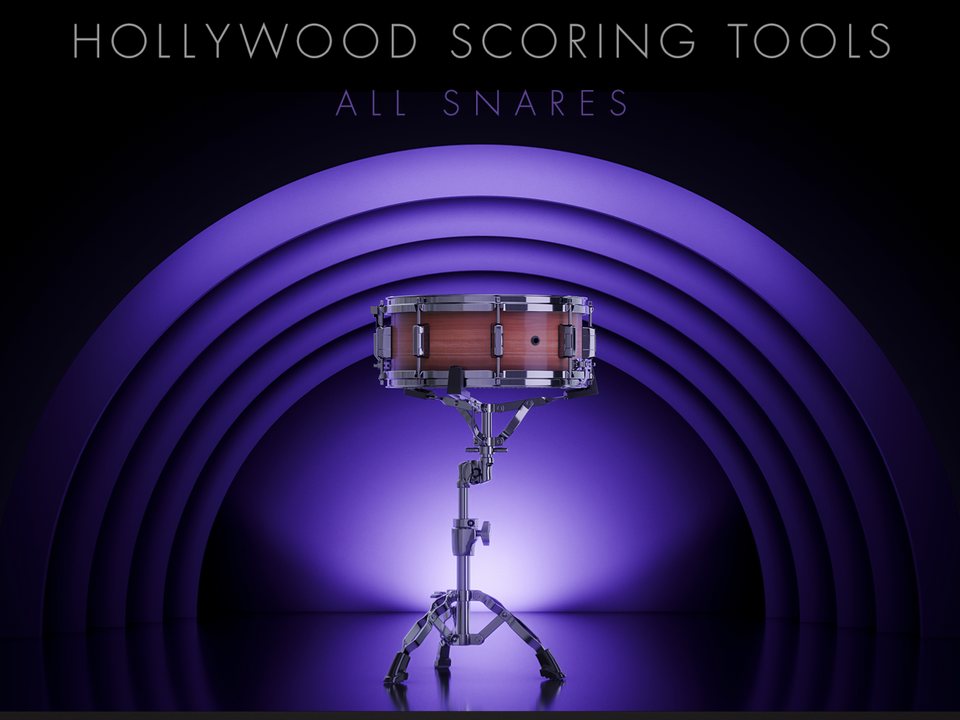
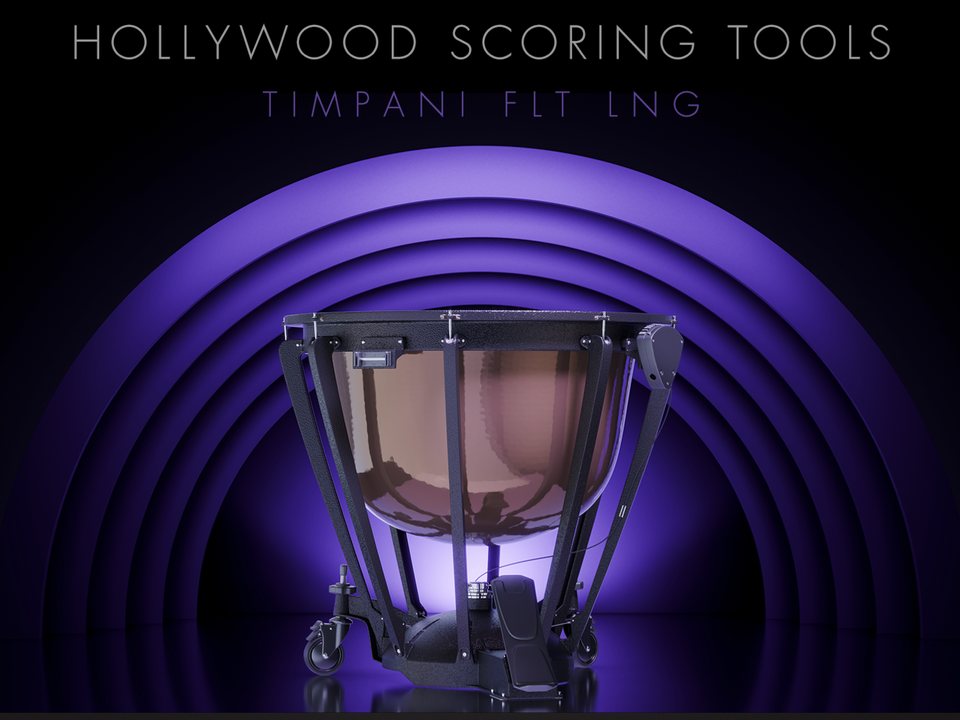
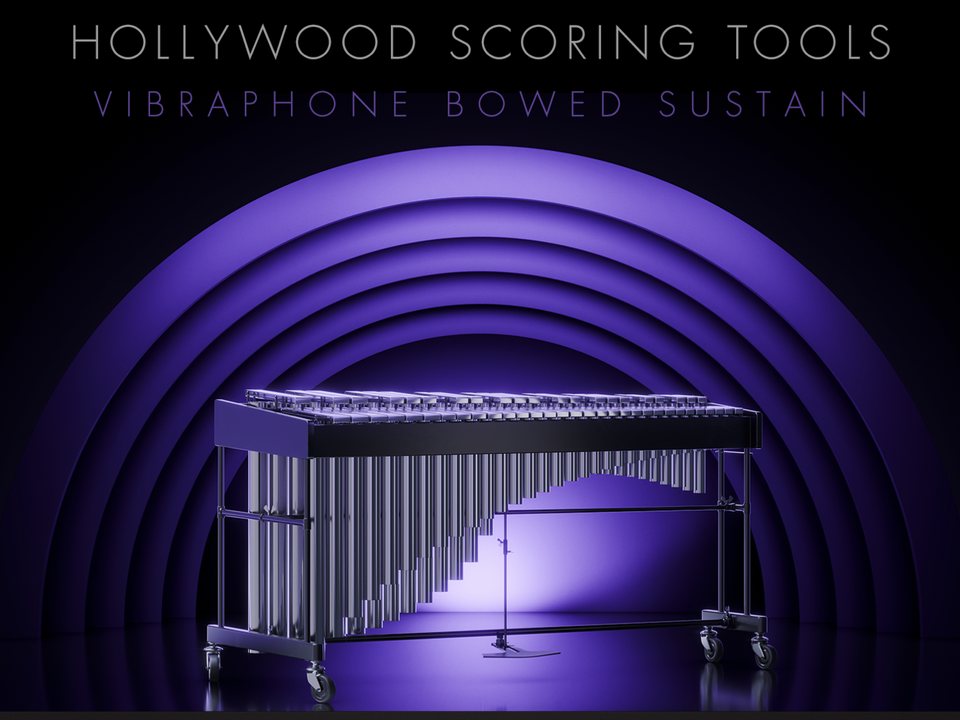
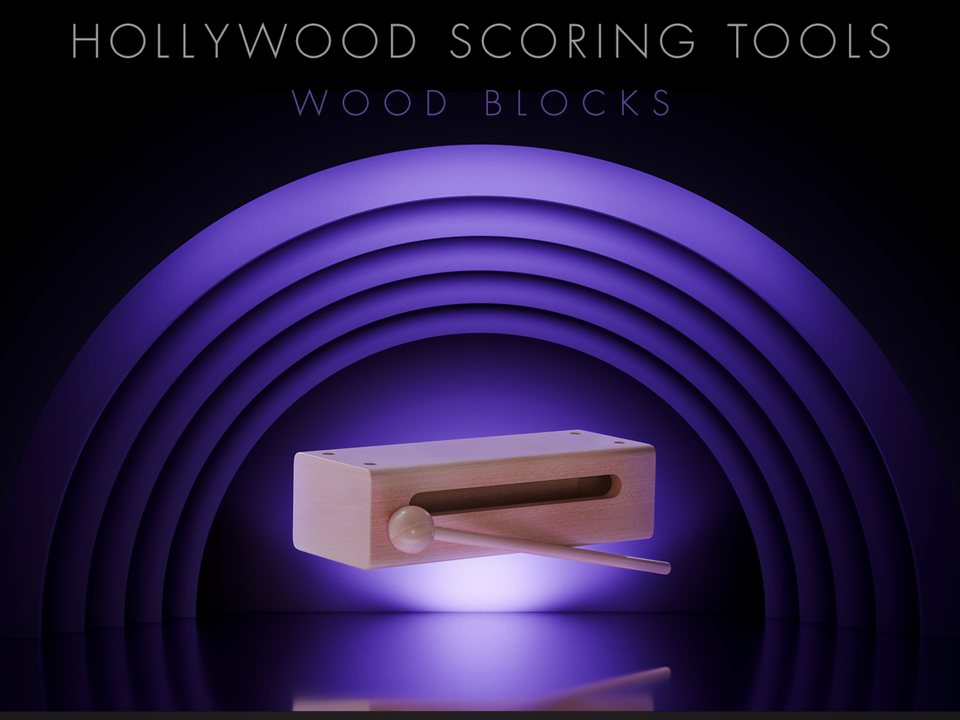
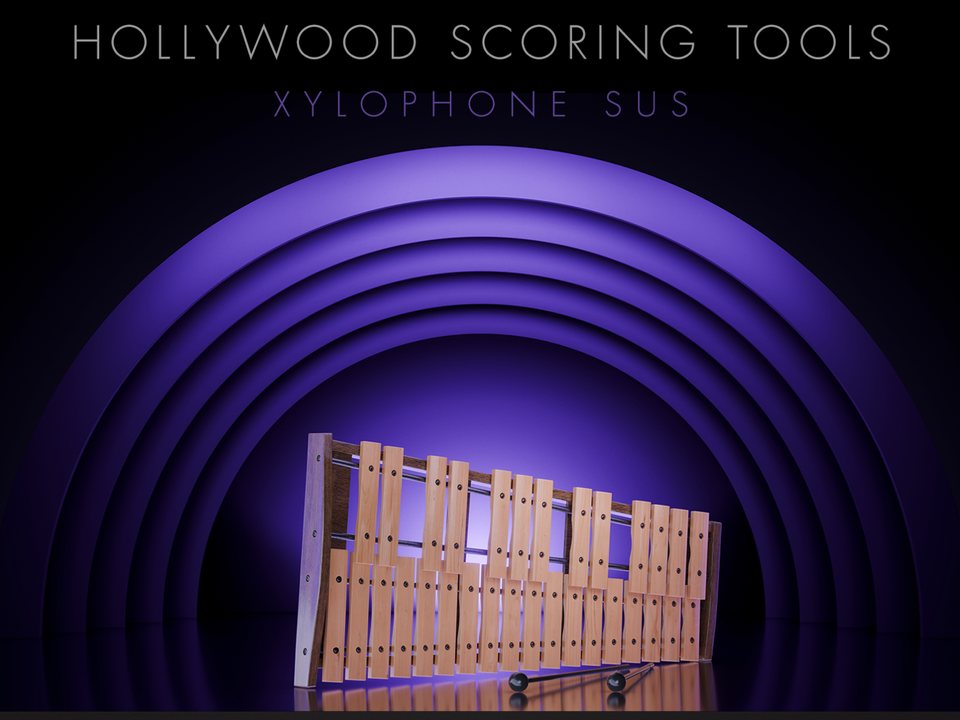
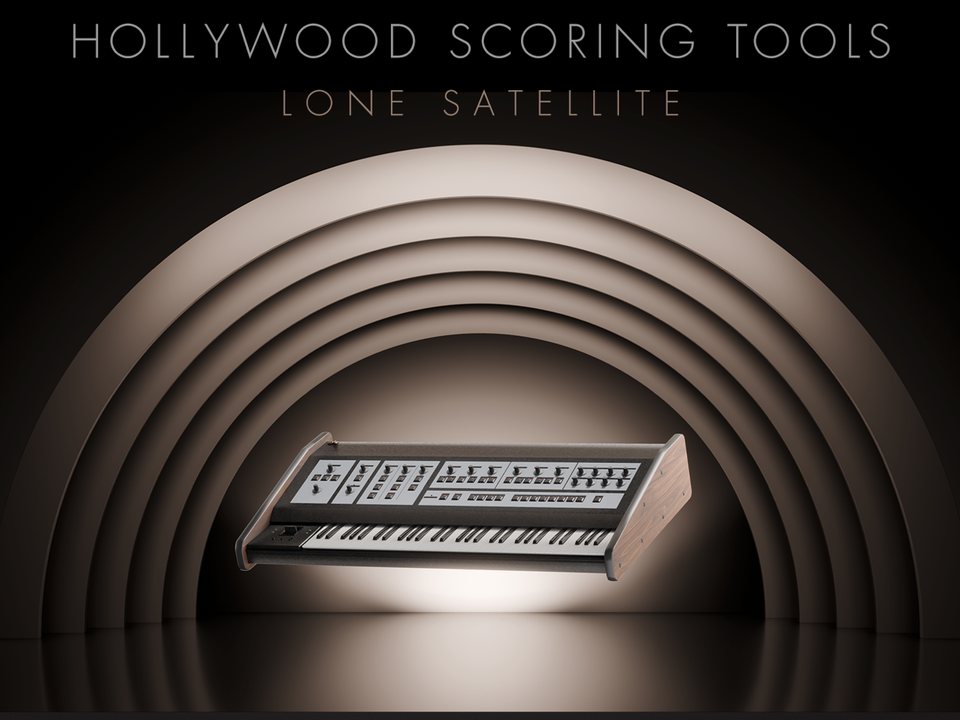
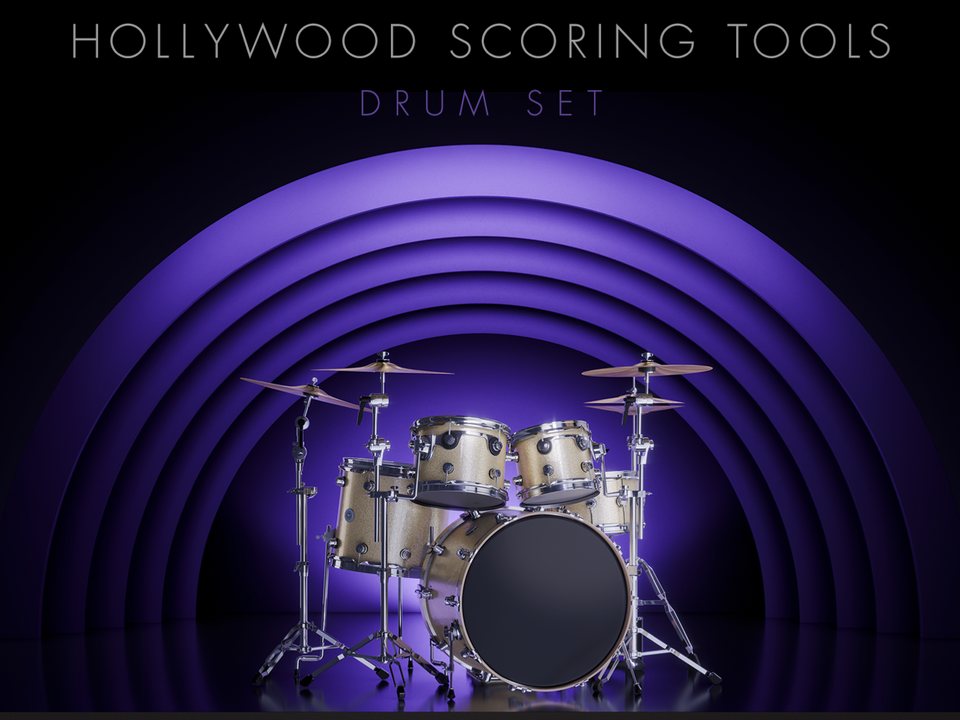
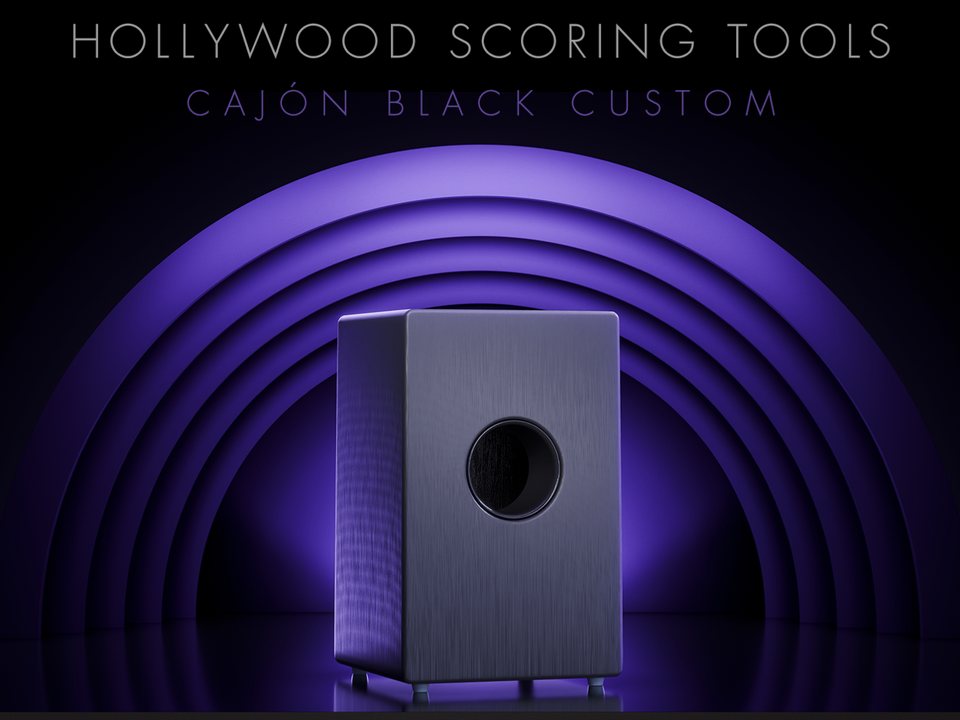
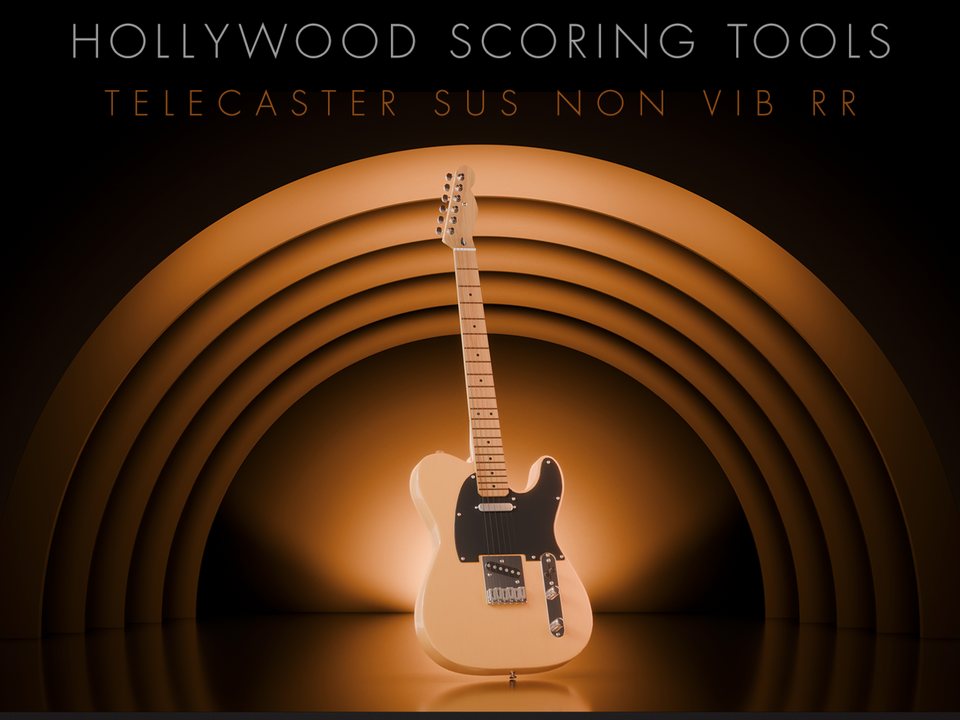
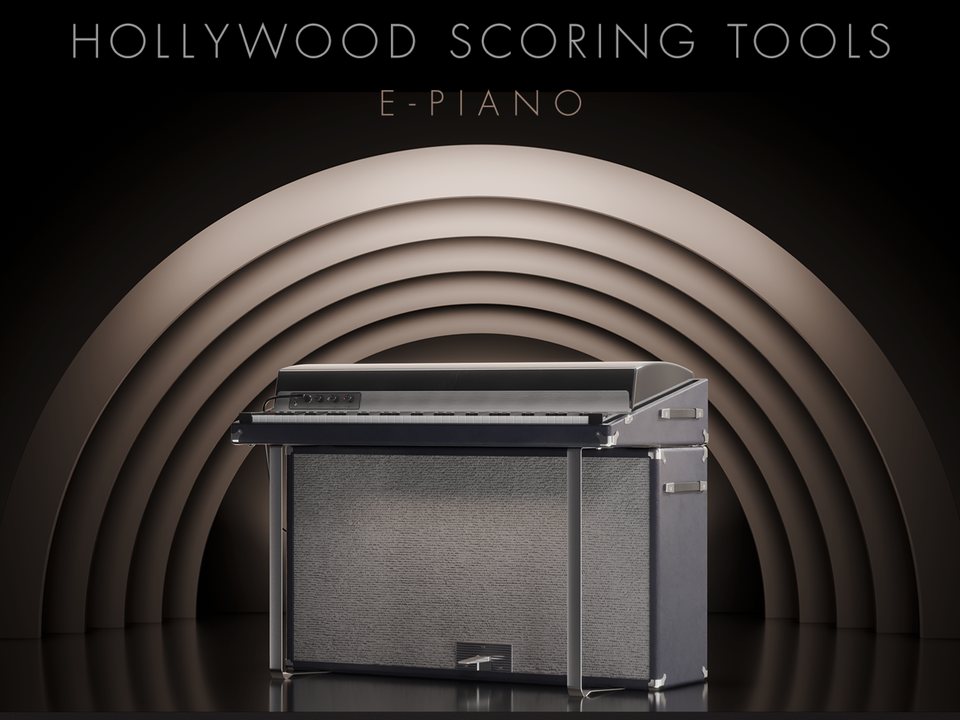
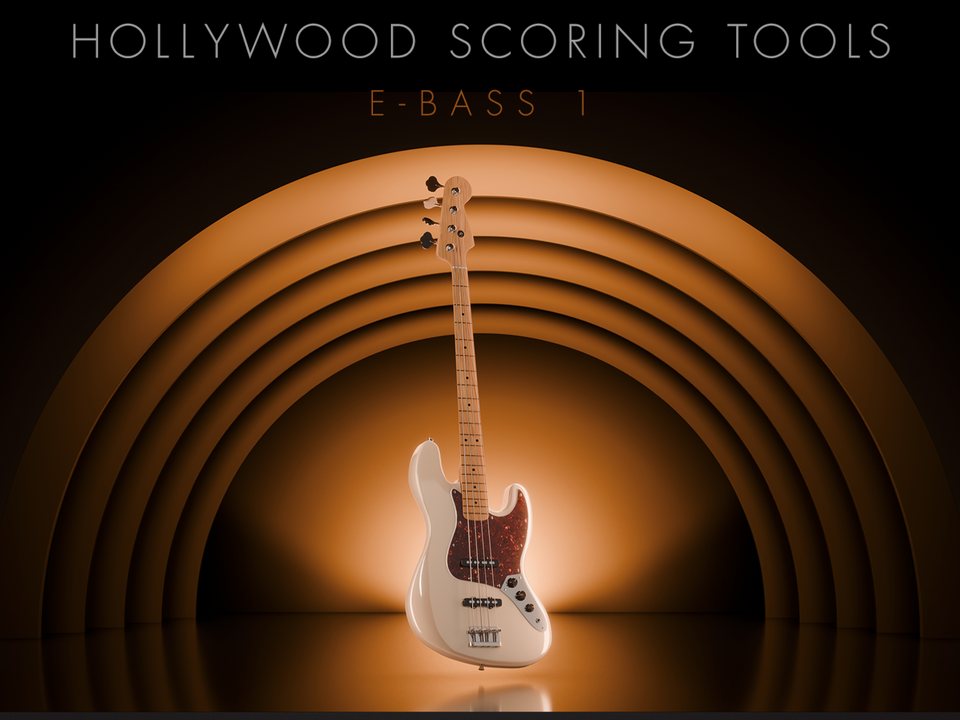
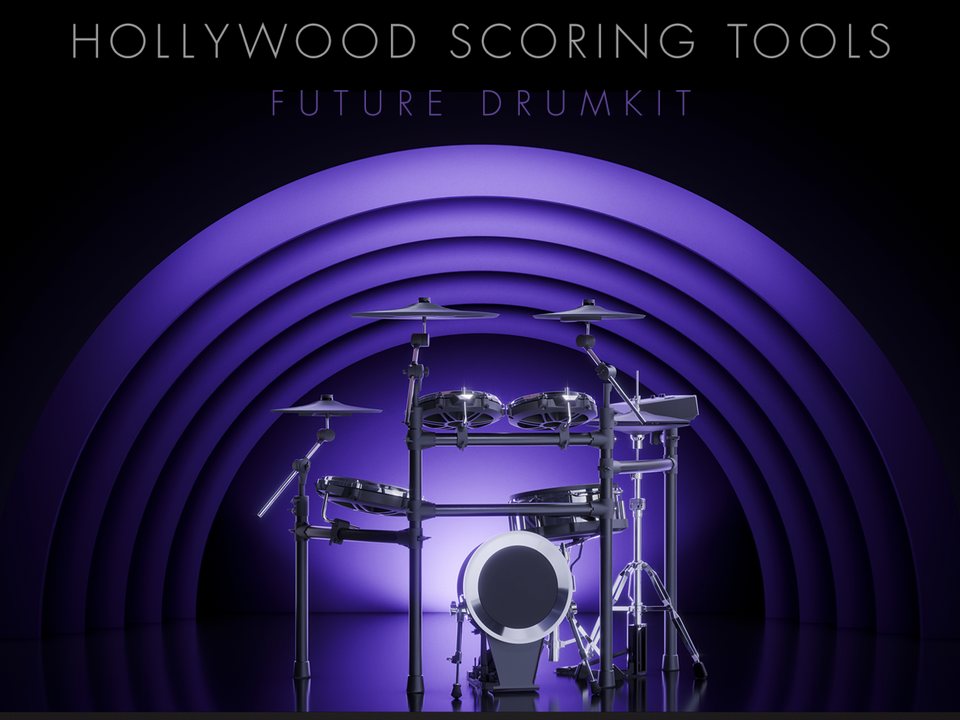
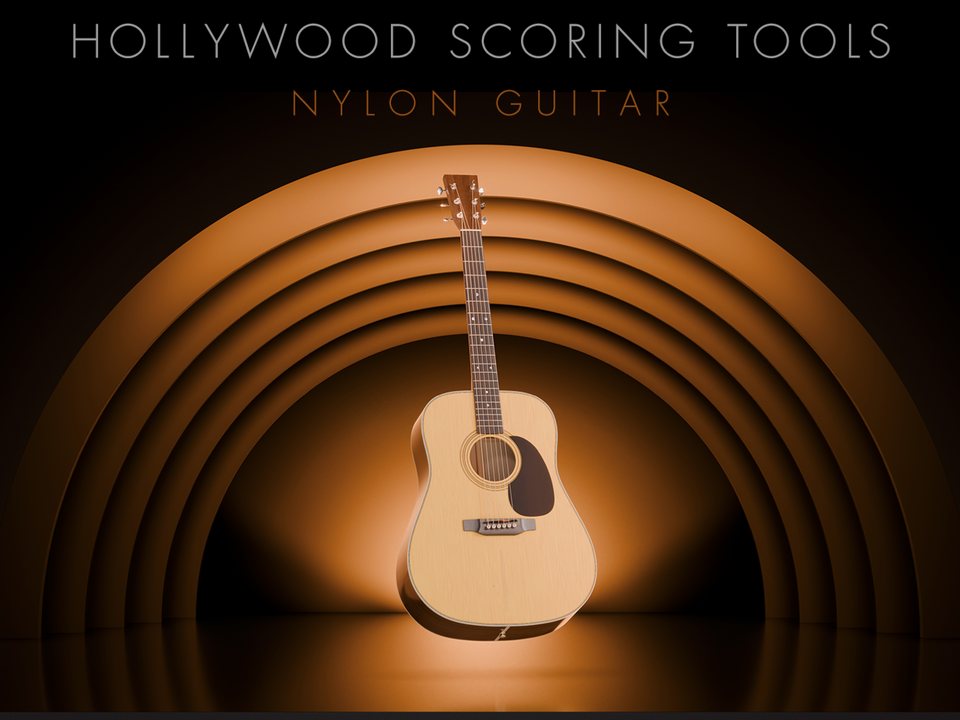
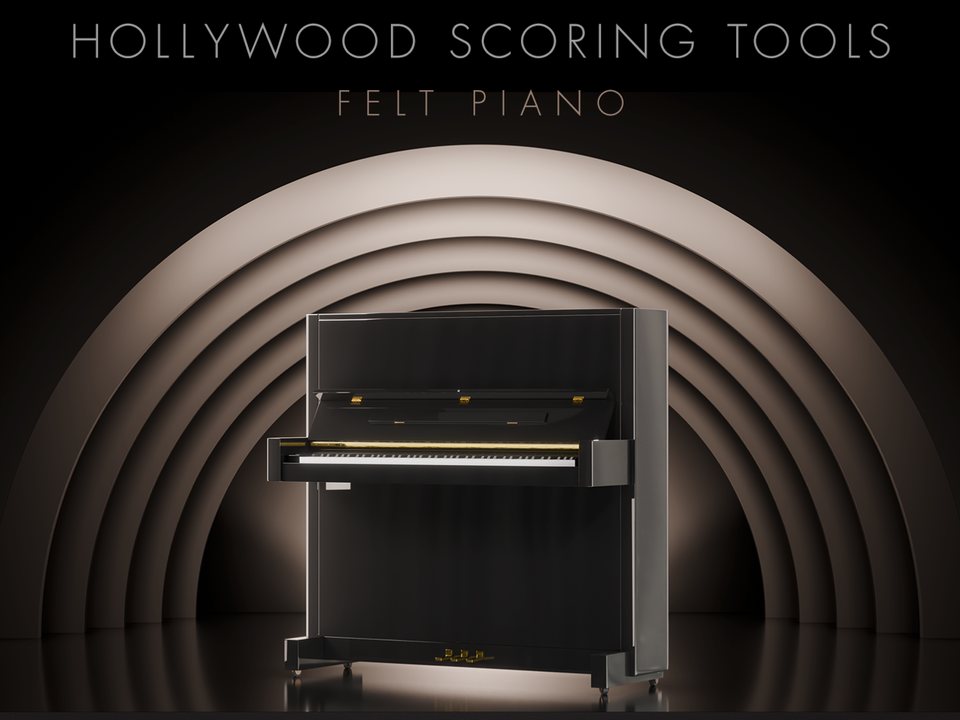
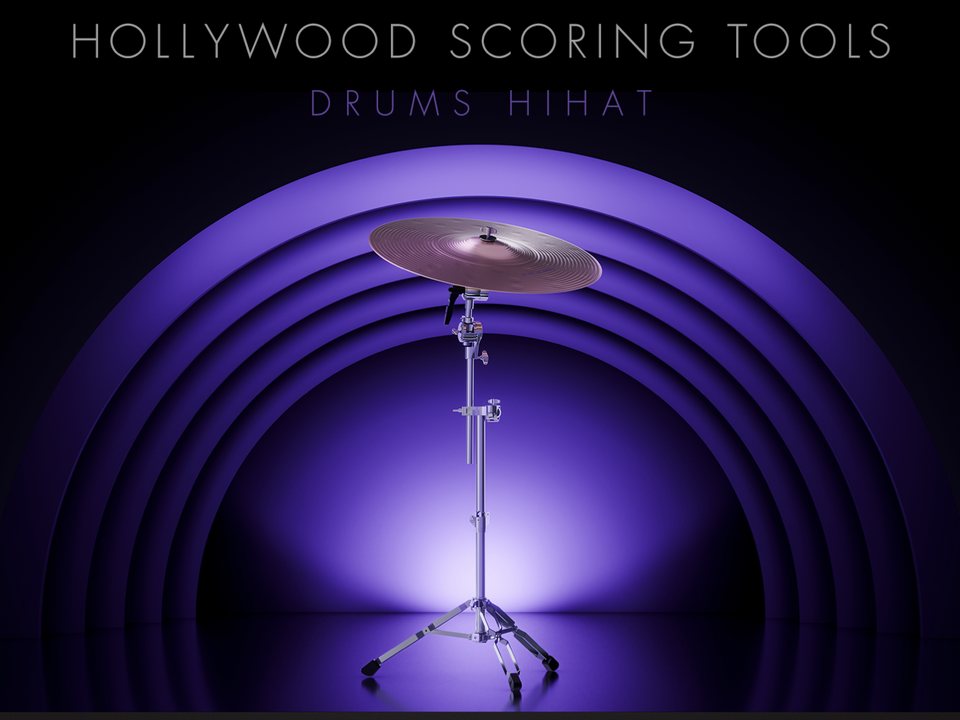
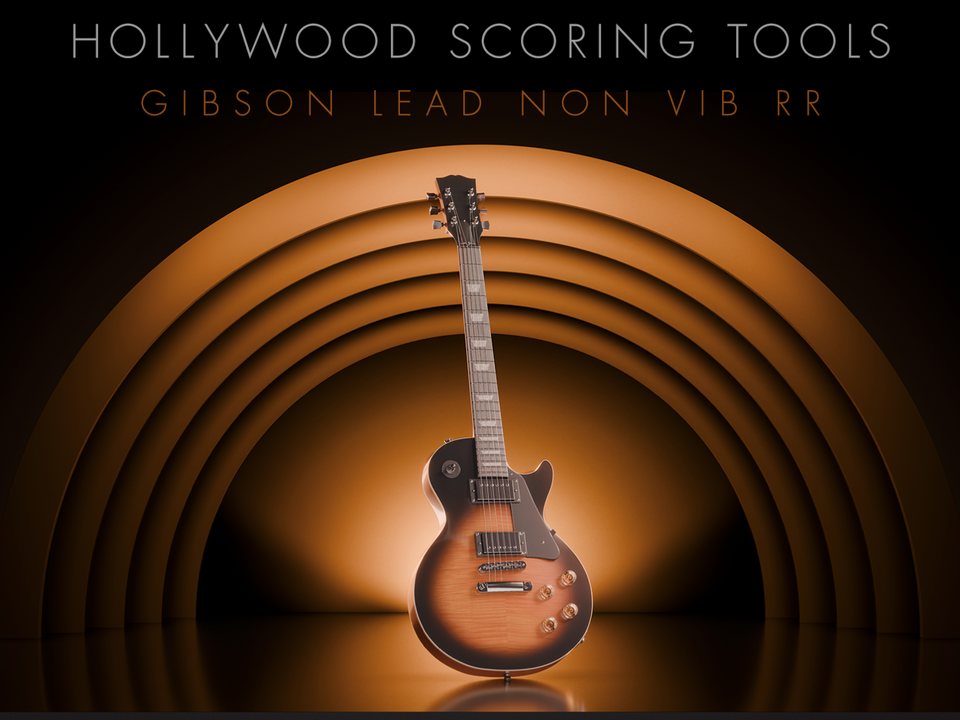
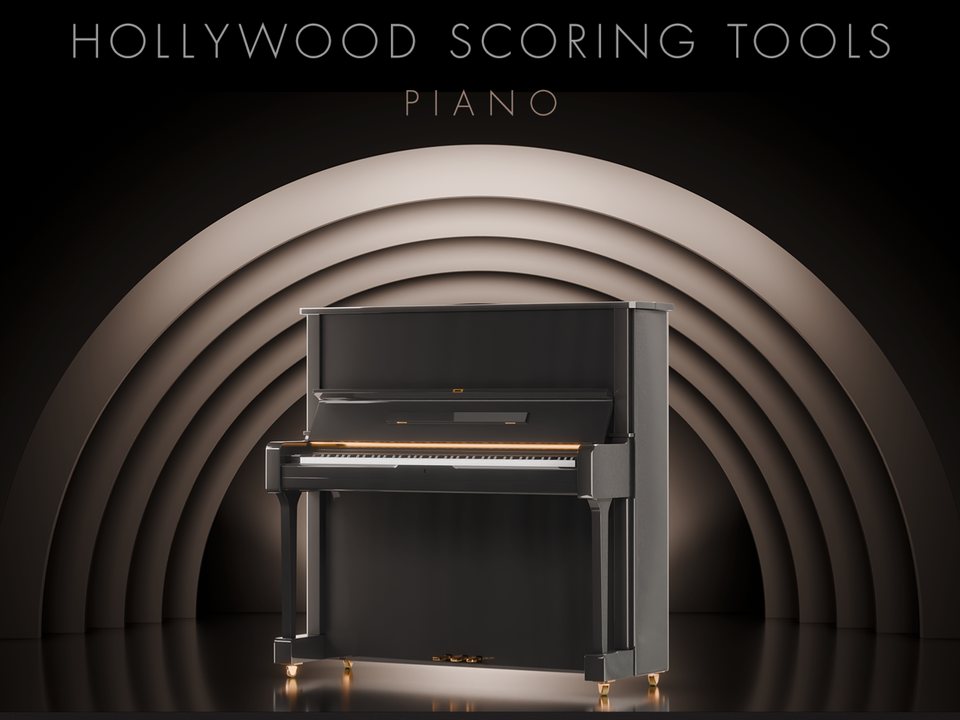
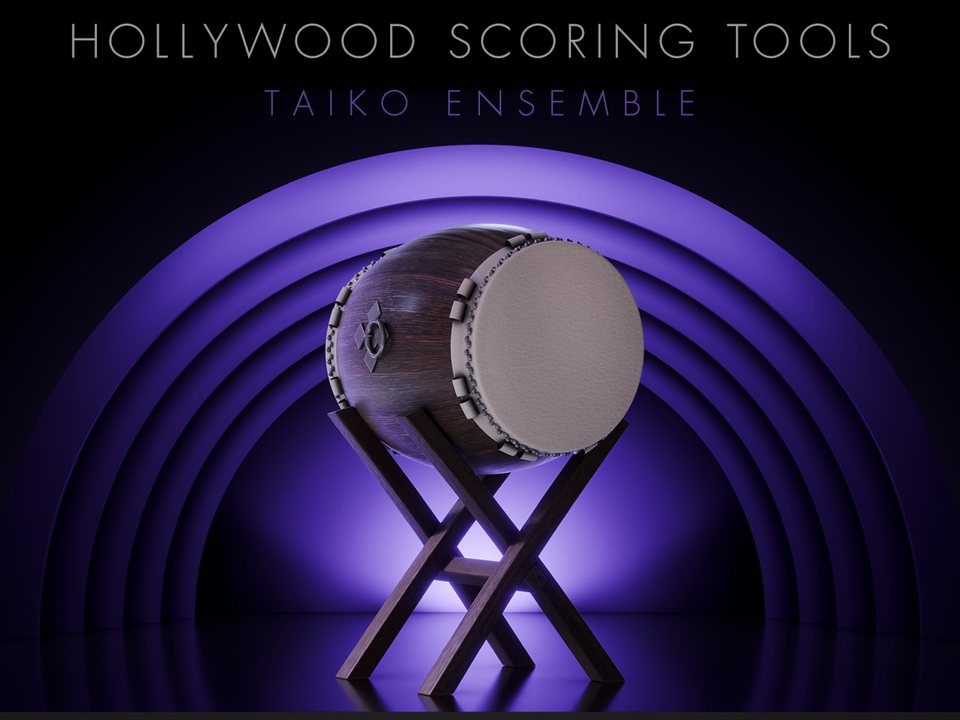
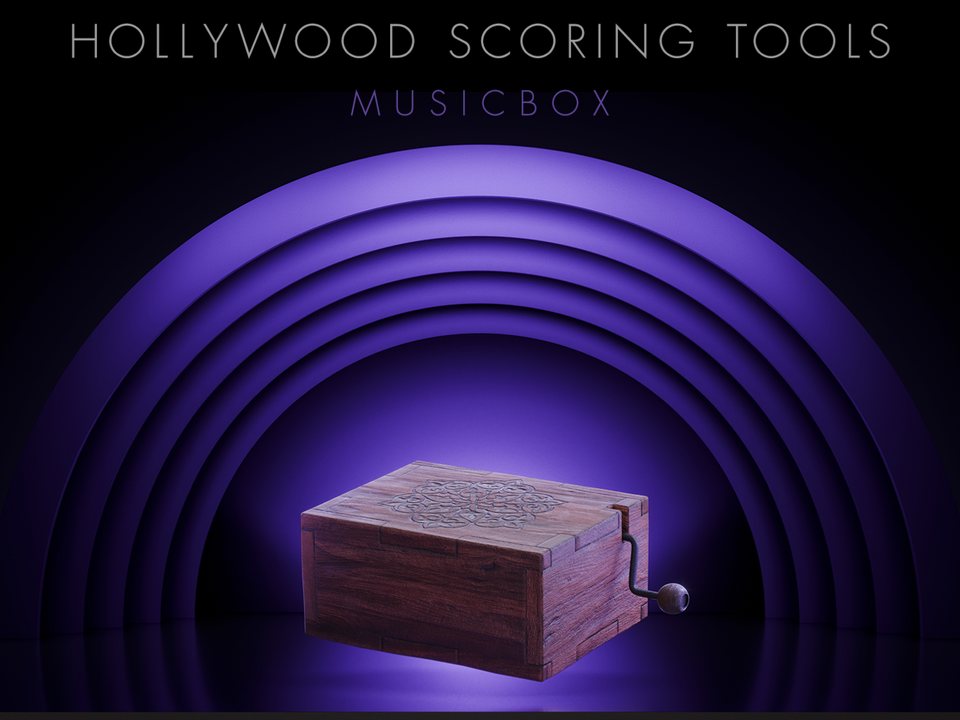
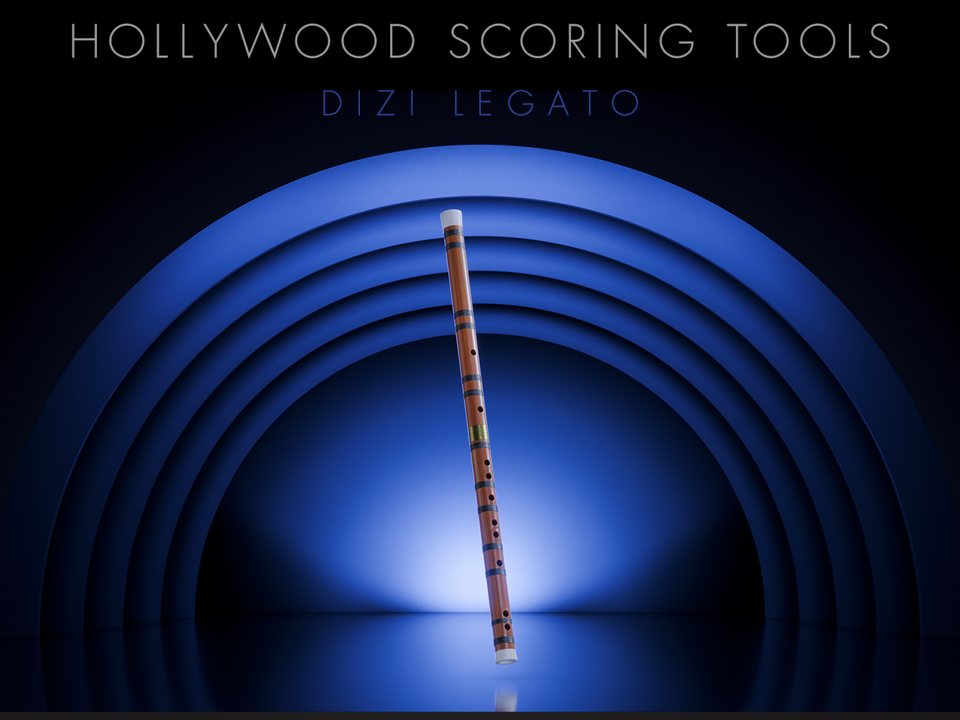
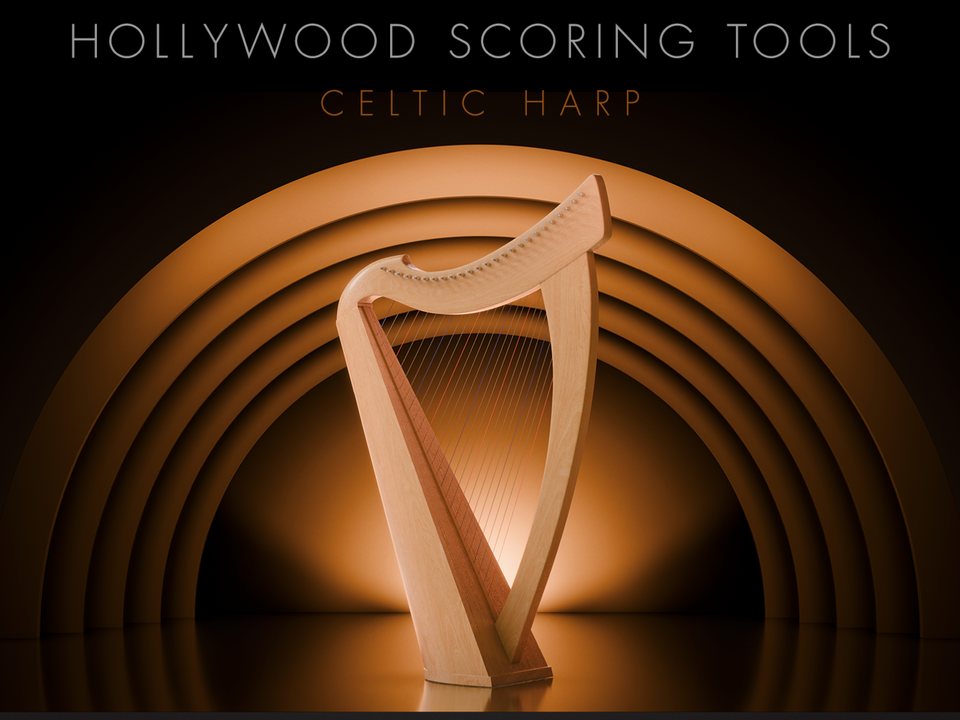
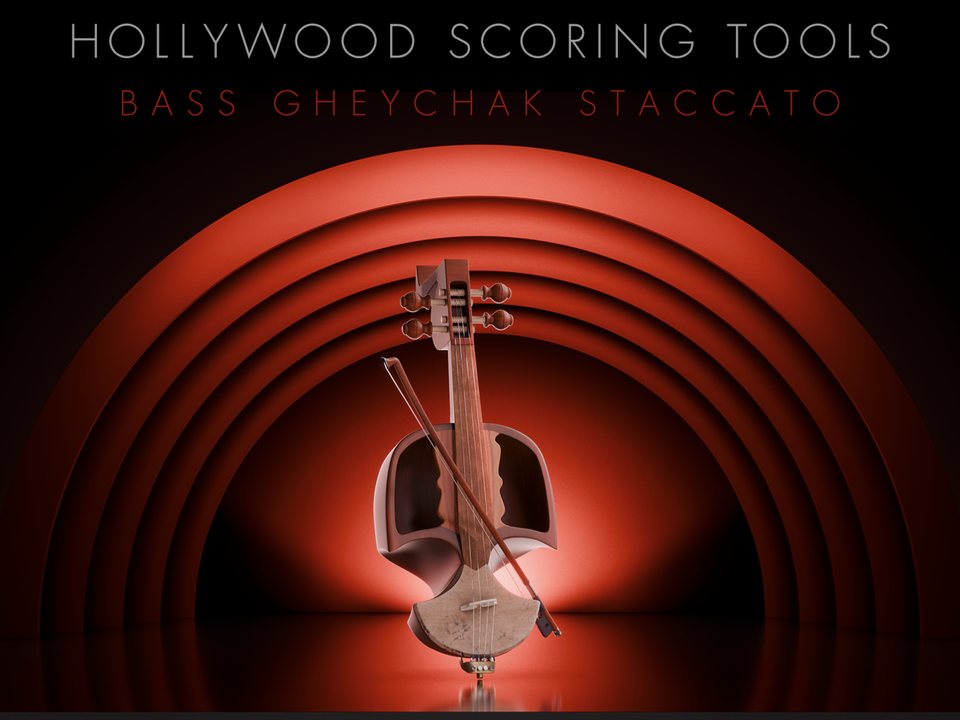
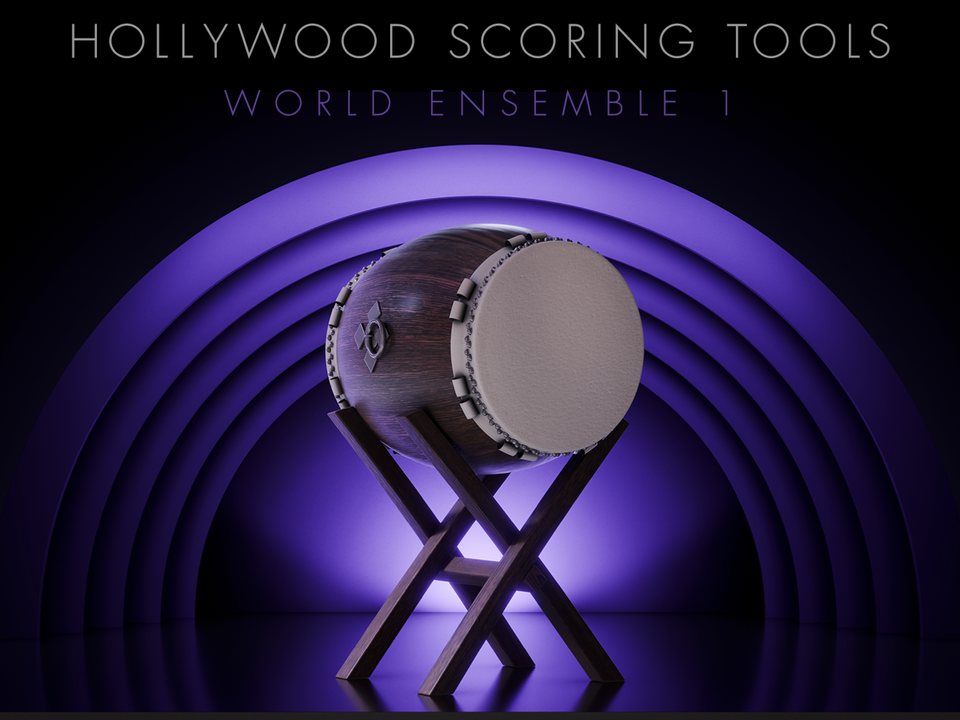
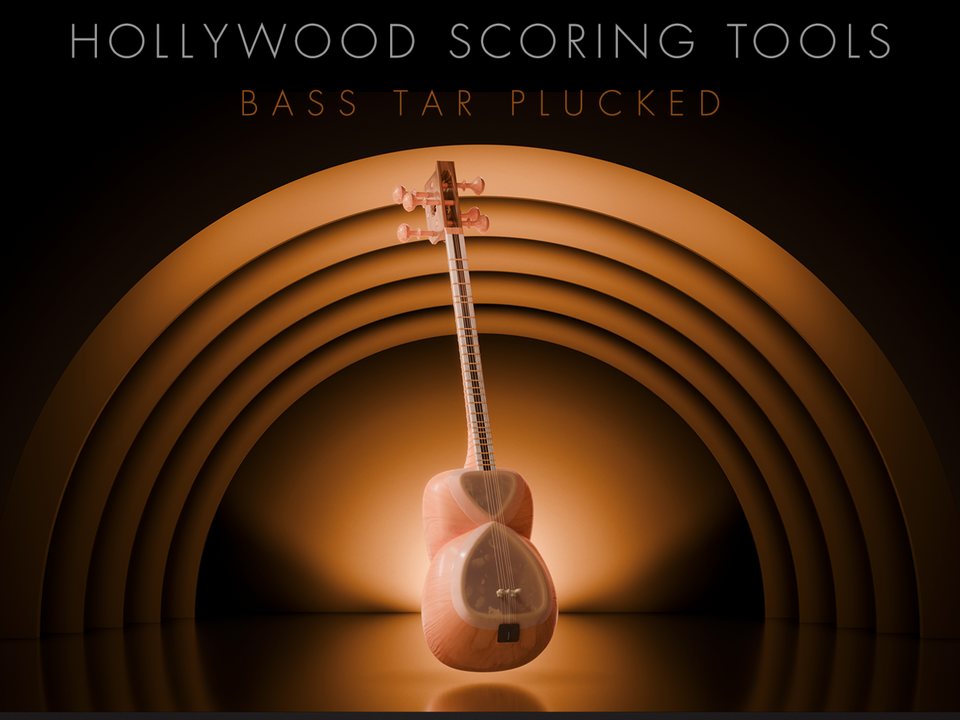
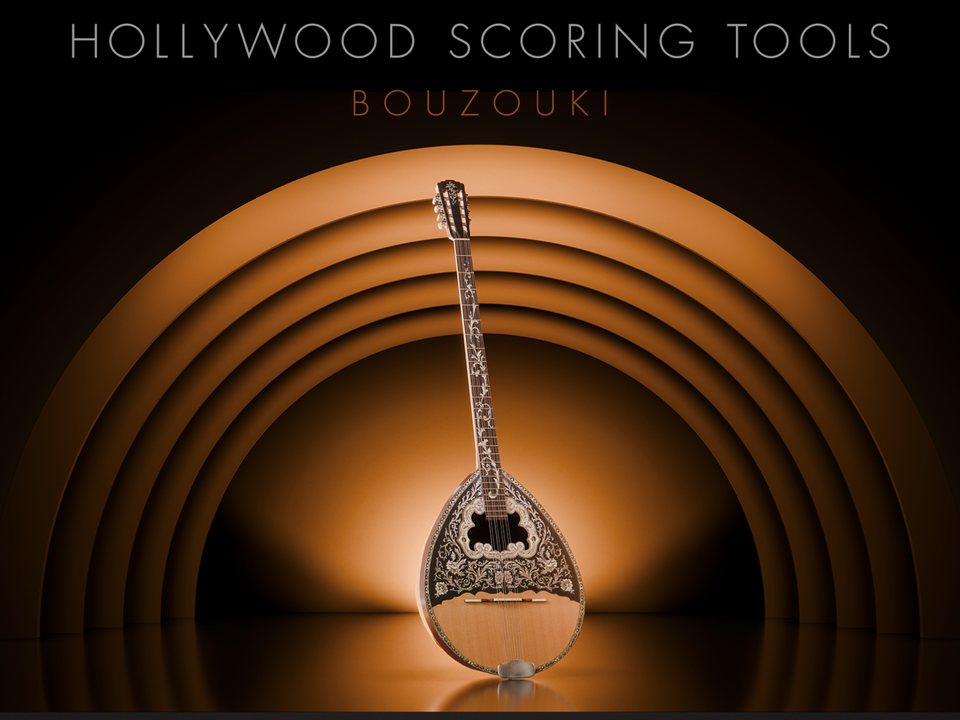
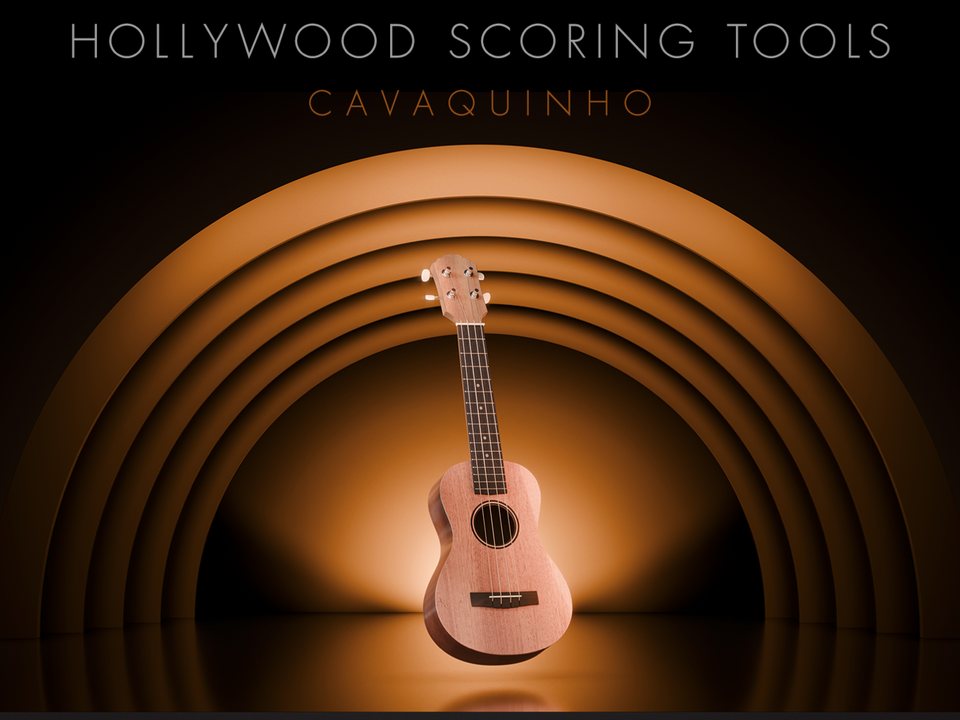
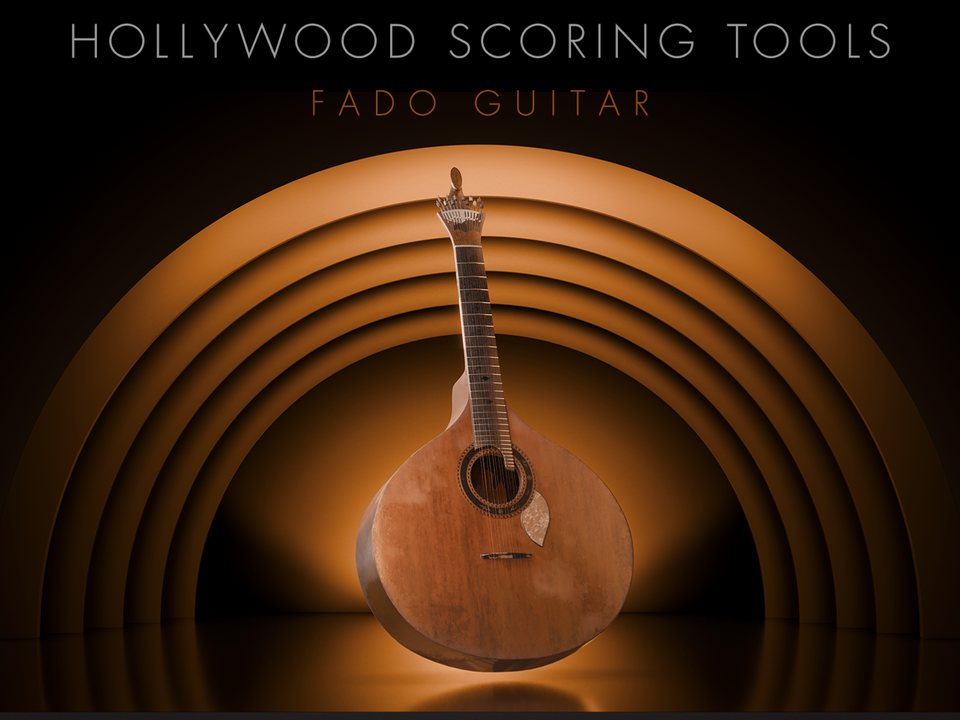
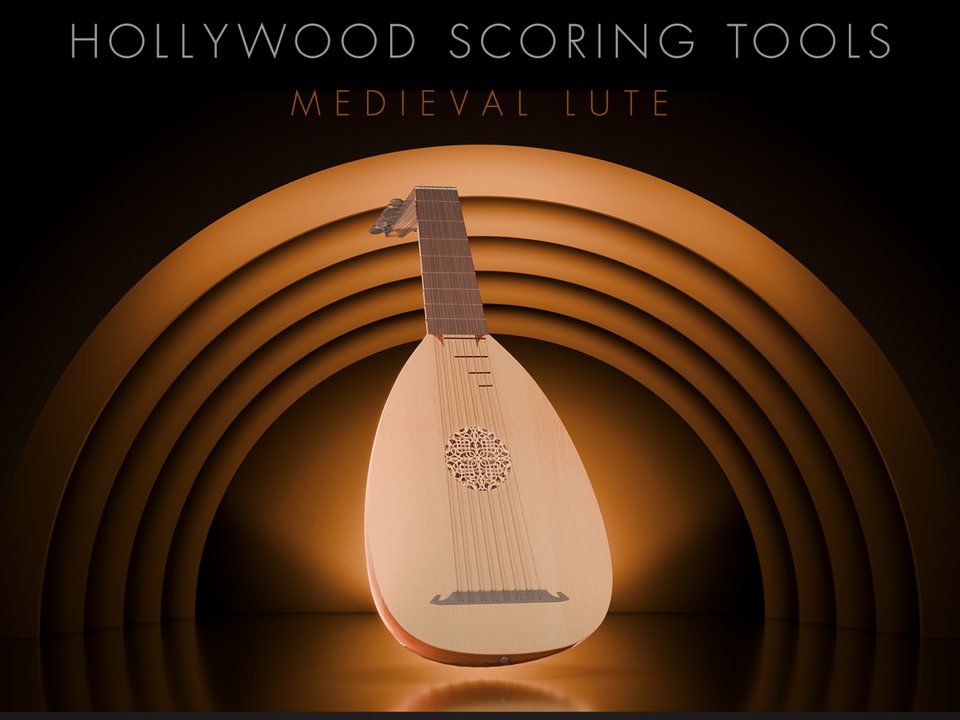
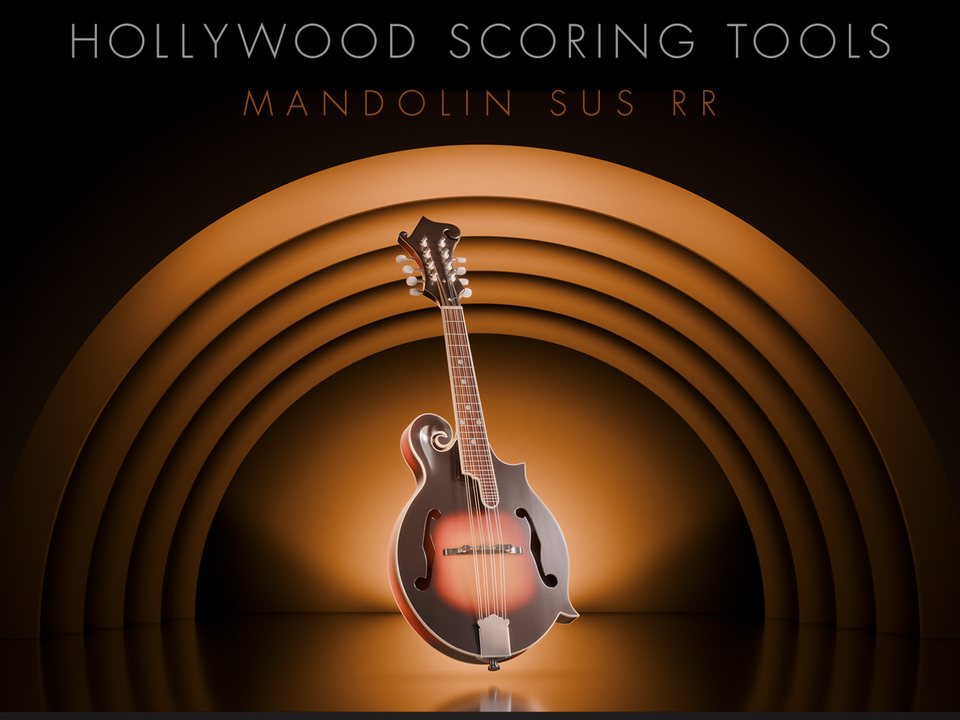
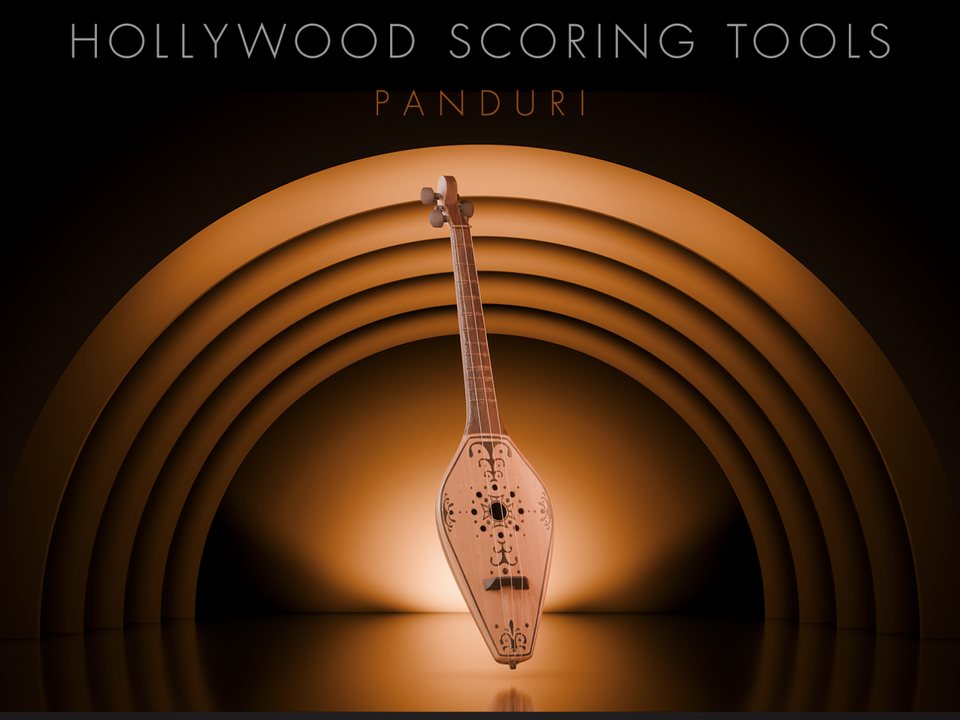
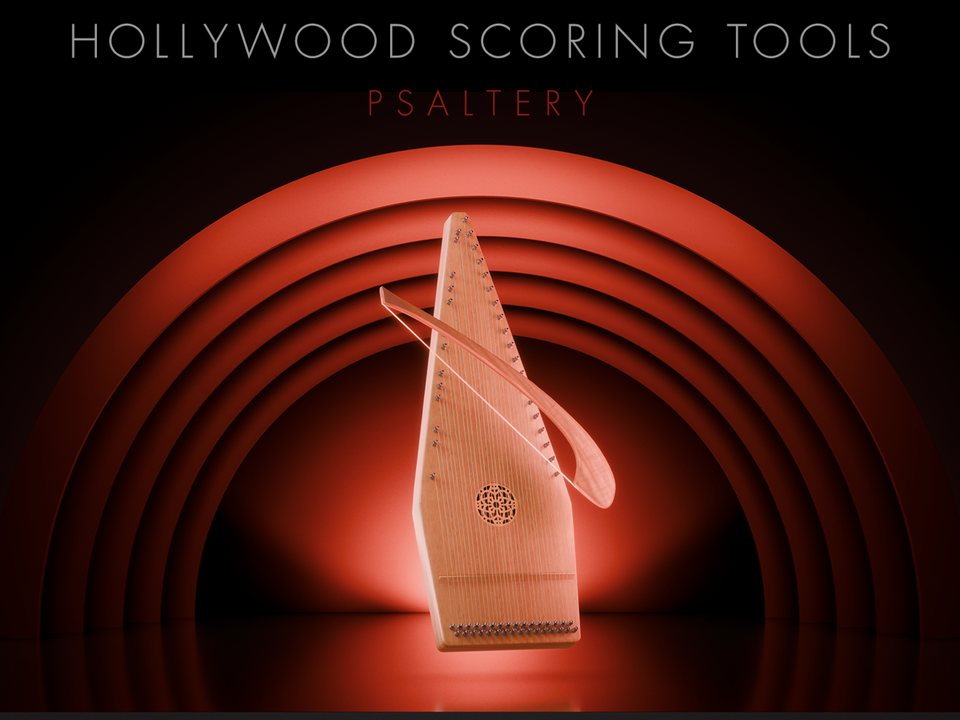
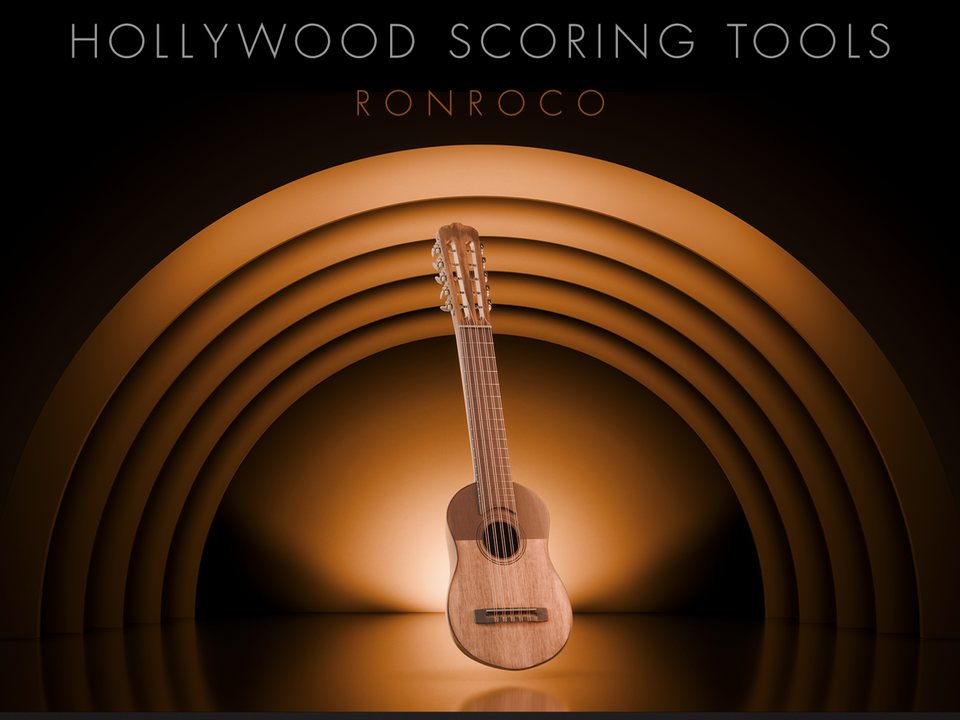
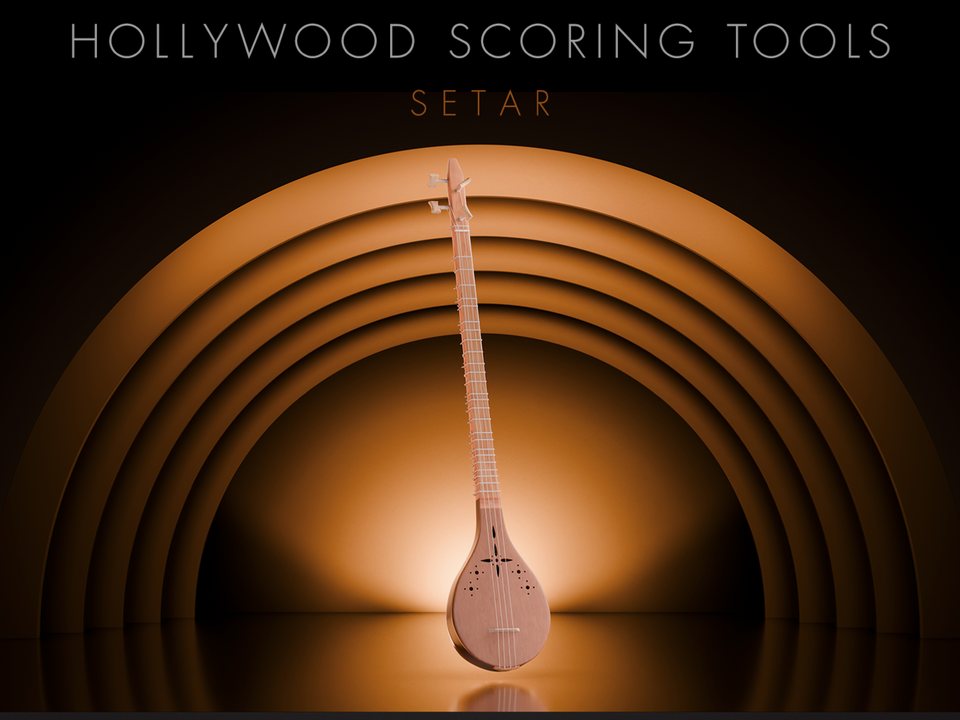
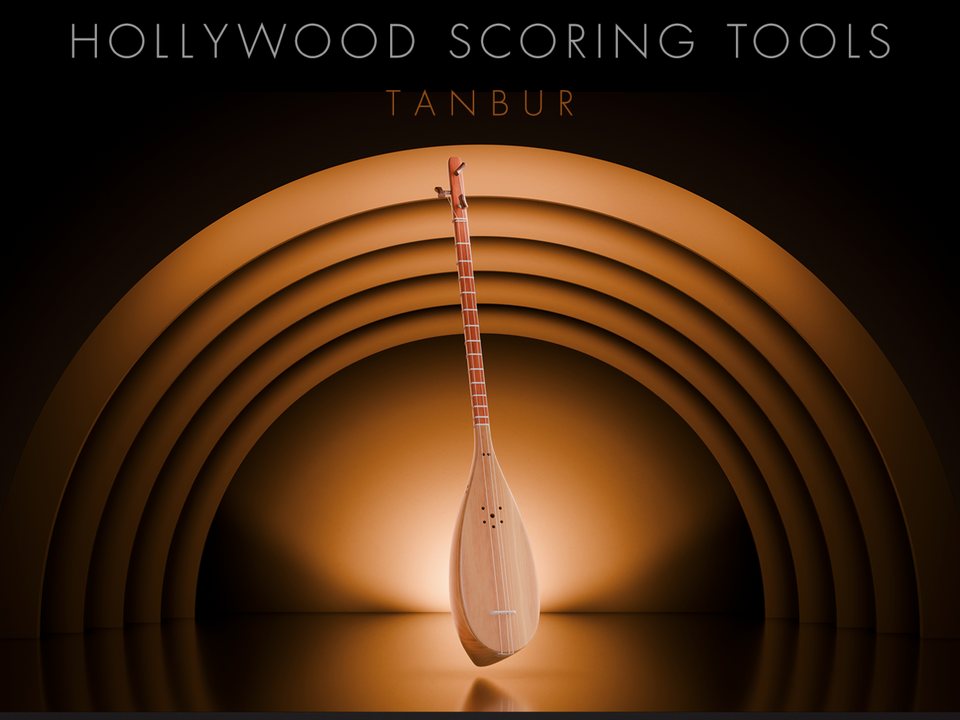
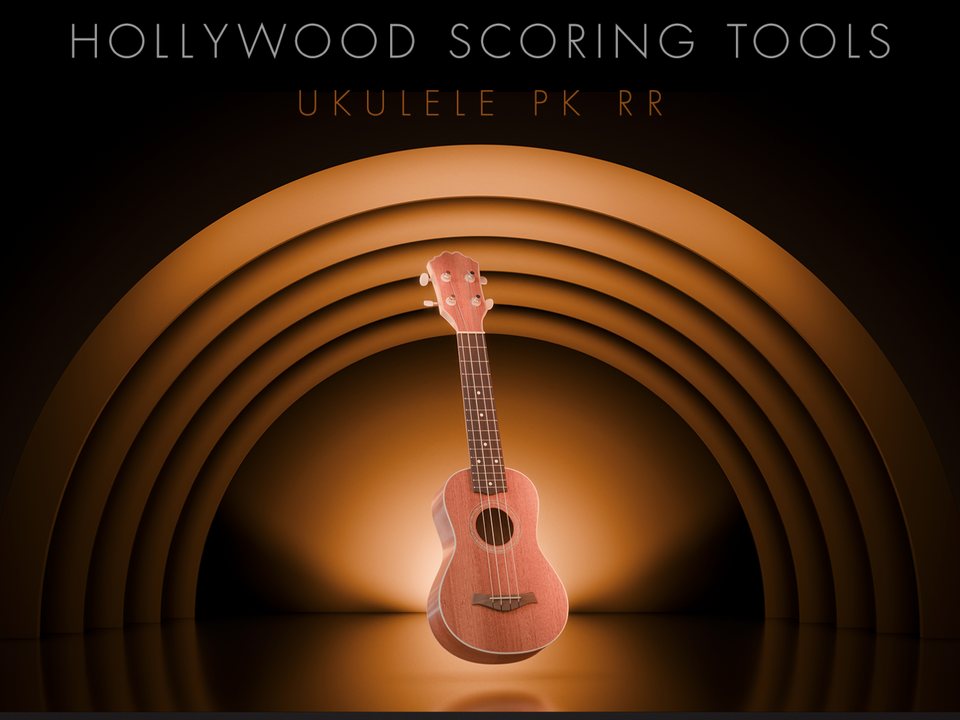
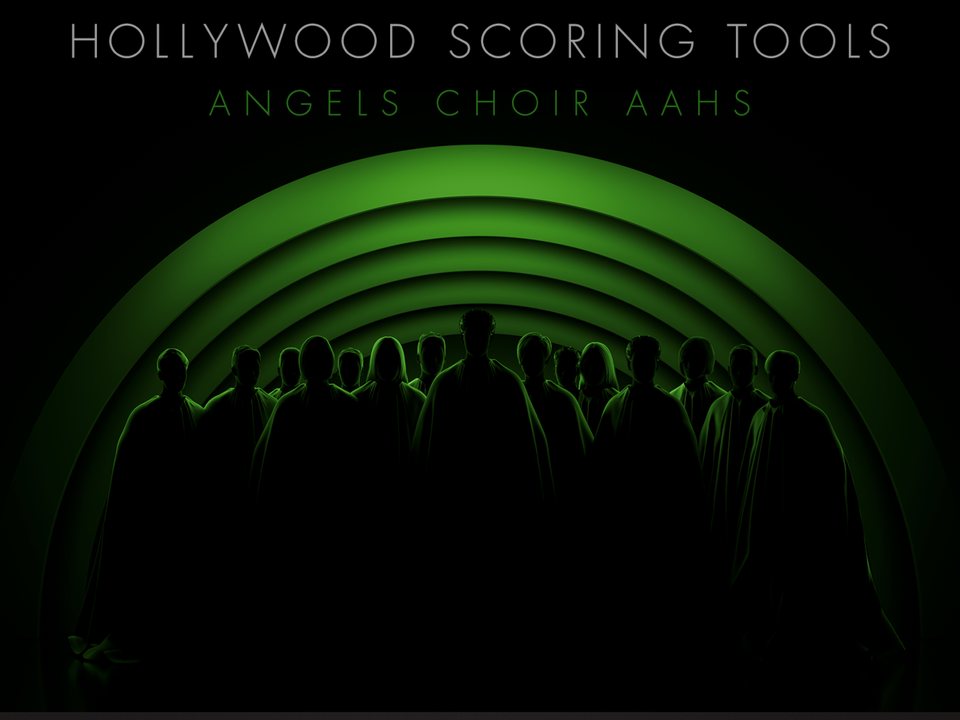
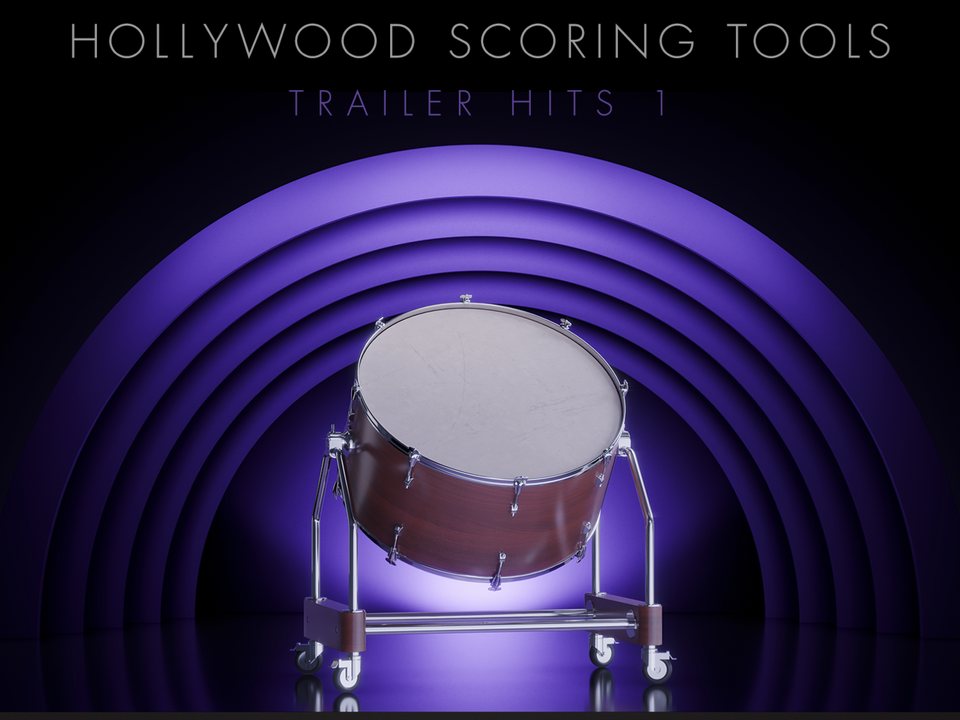
164 Premium Instruments
Five worlds, from a single instrument. Open any card to see what is inside.
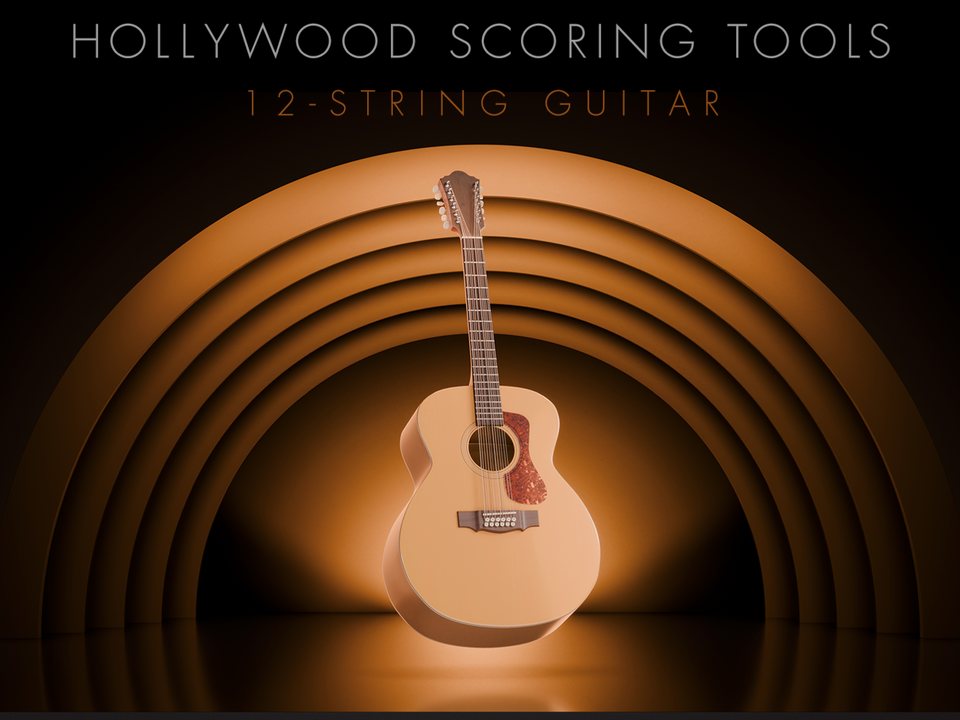
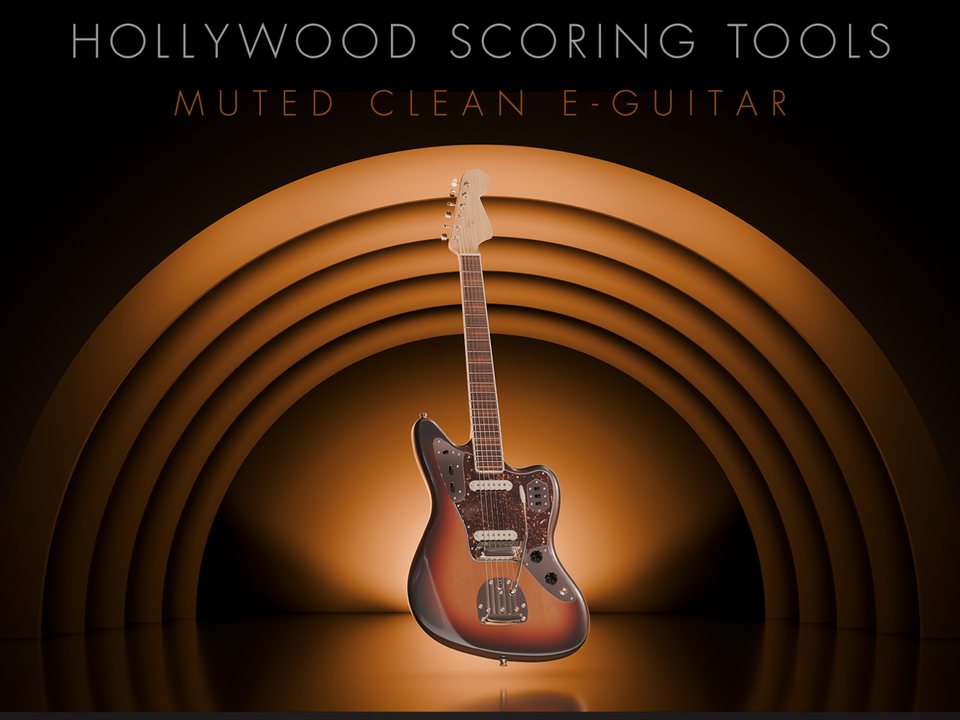
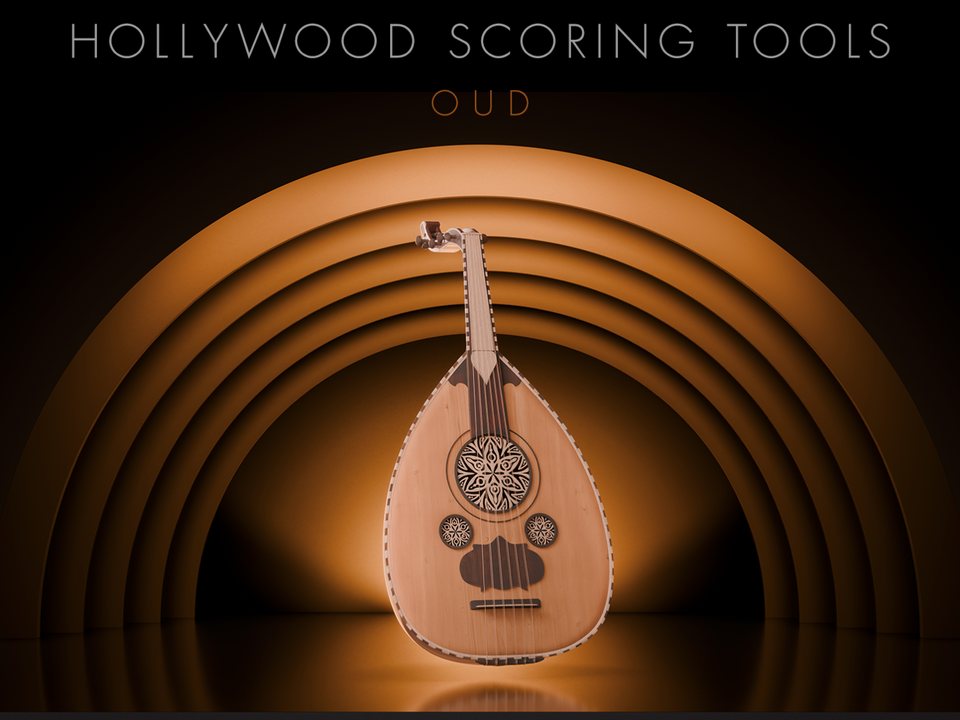
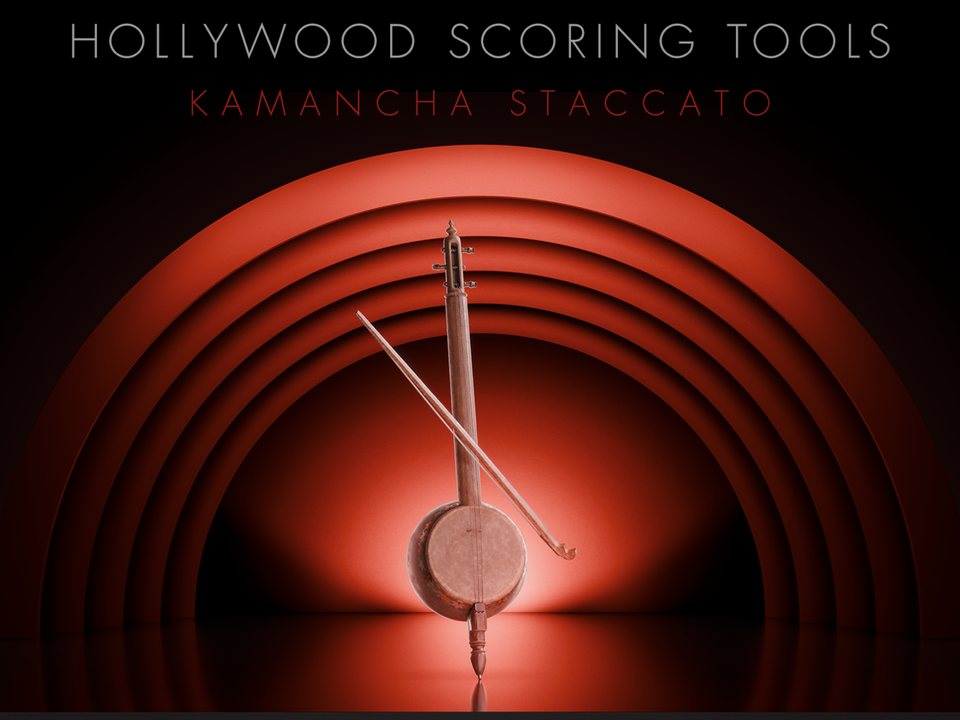
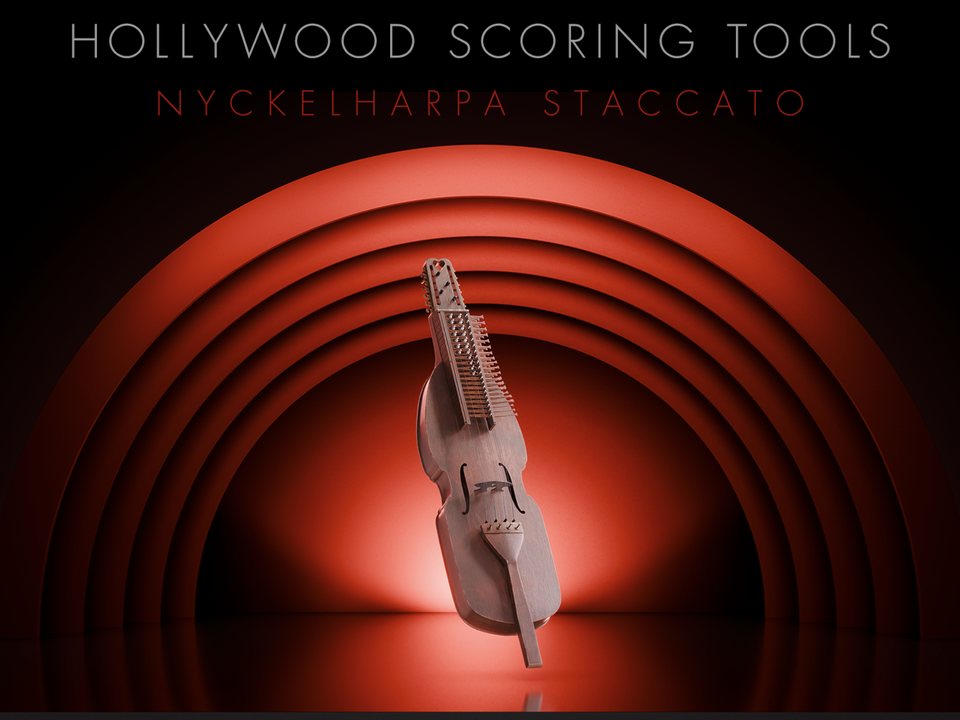
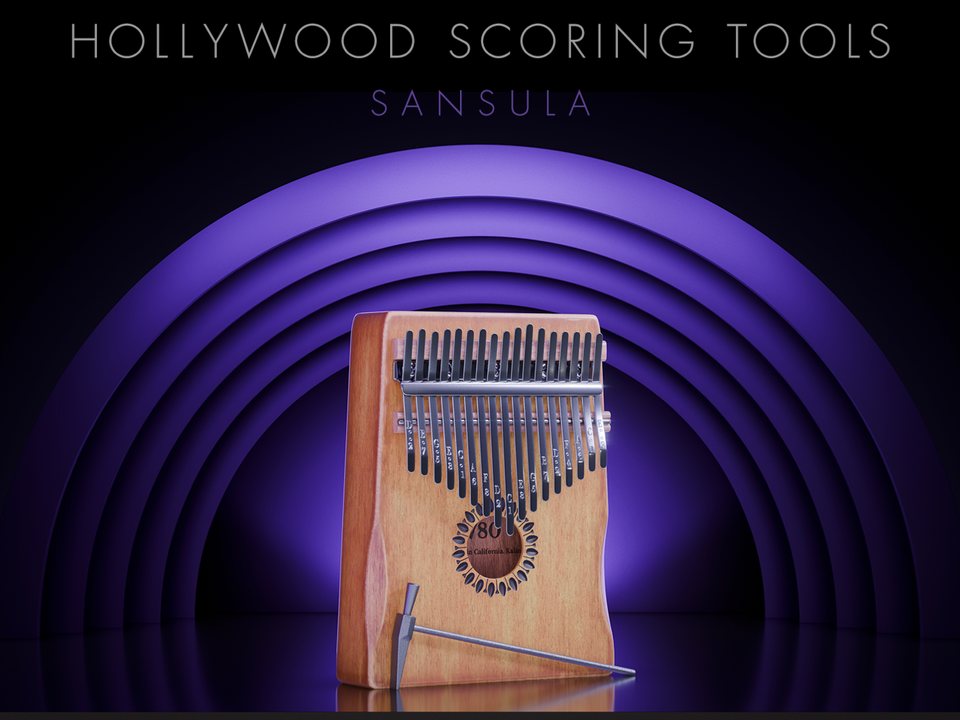
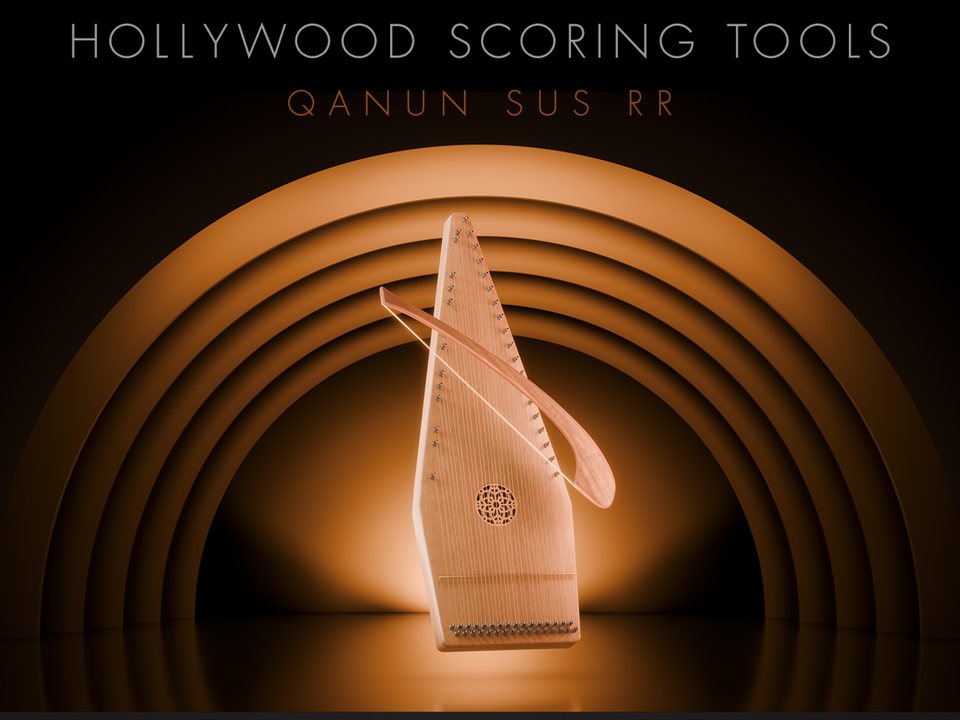
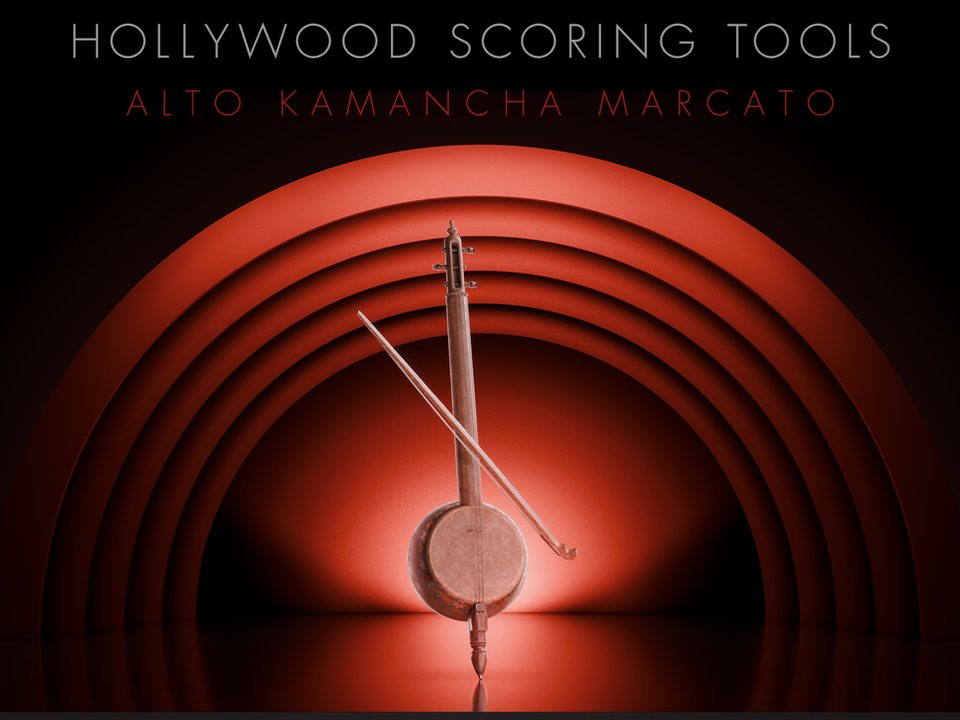
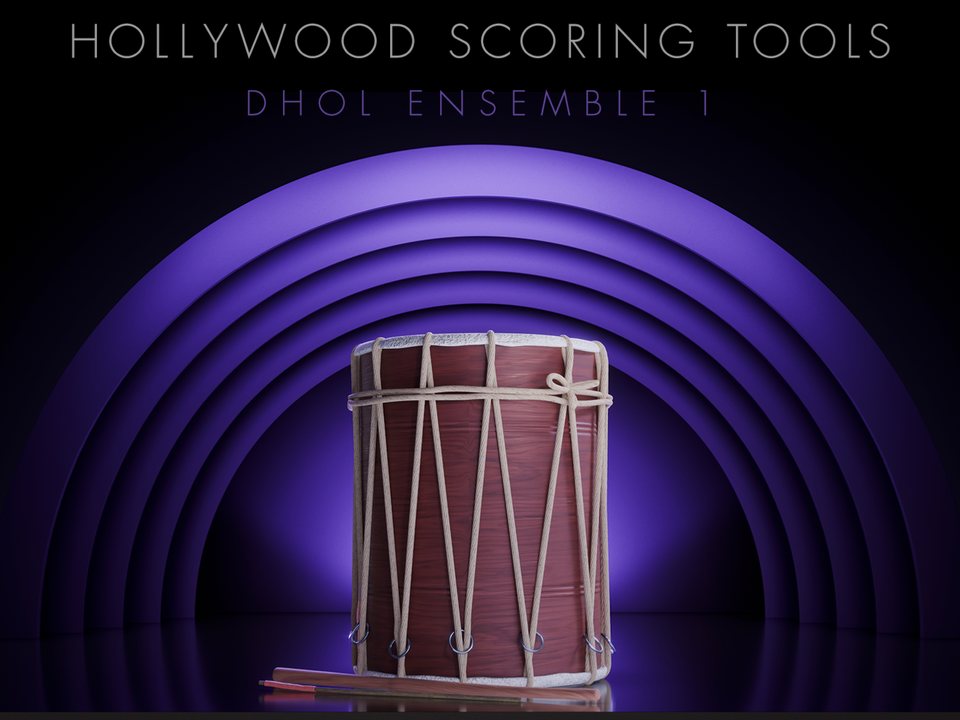
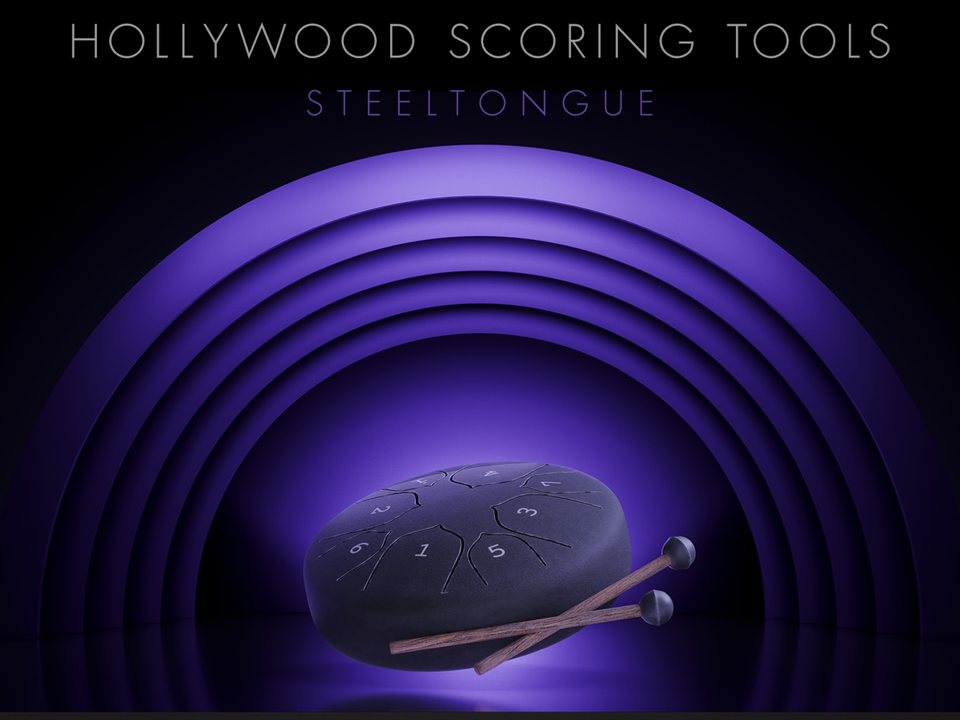
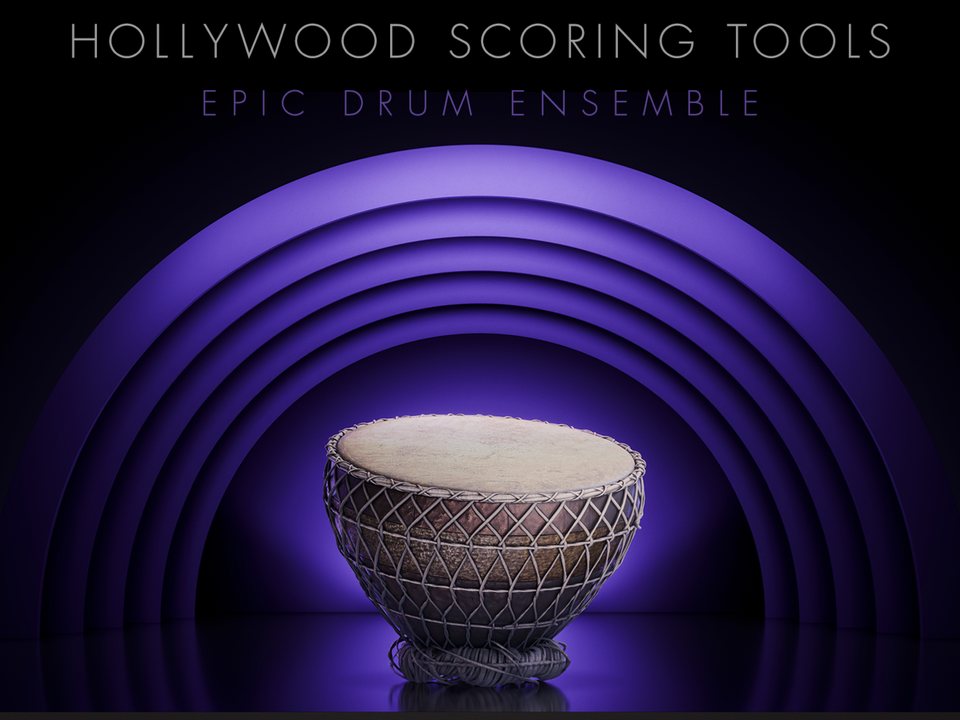
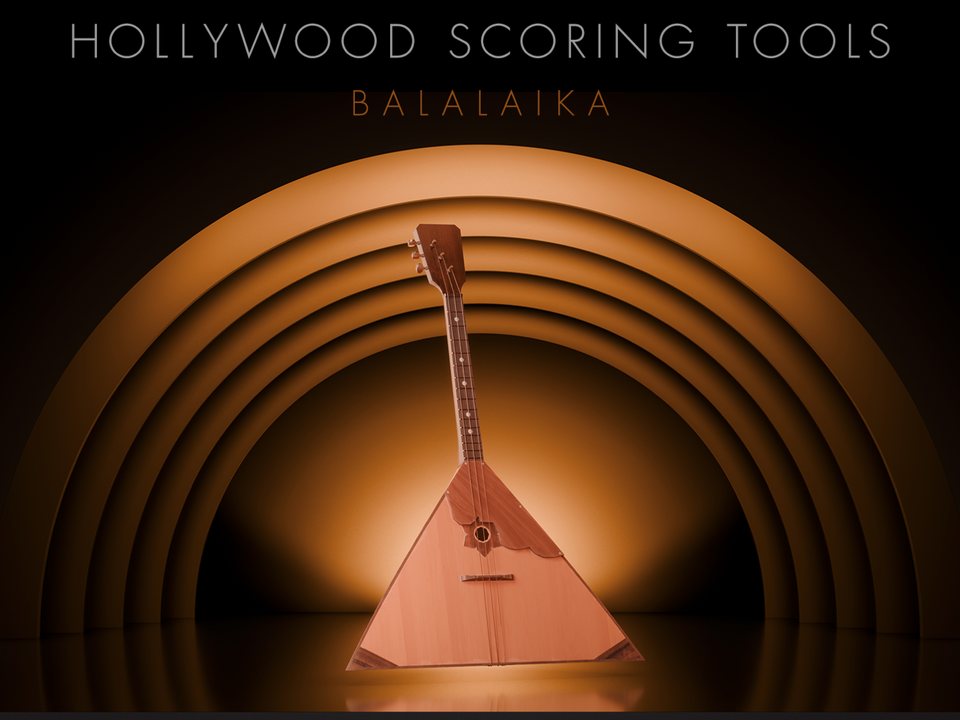
Make Every Score Your Own
Browse by genre
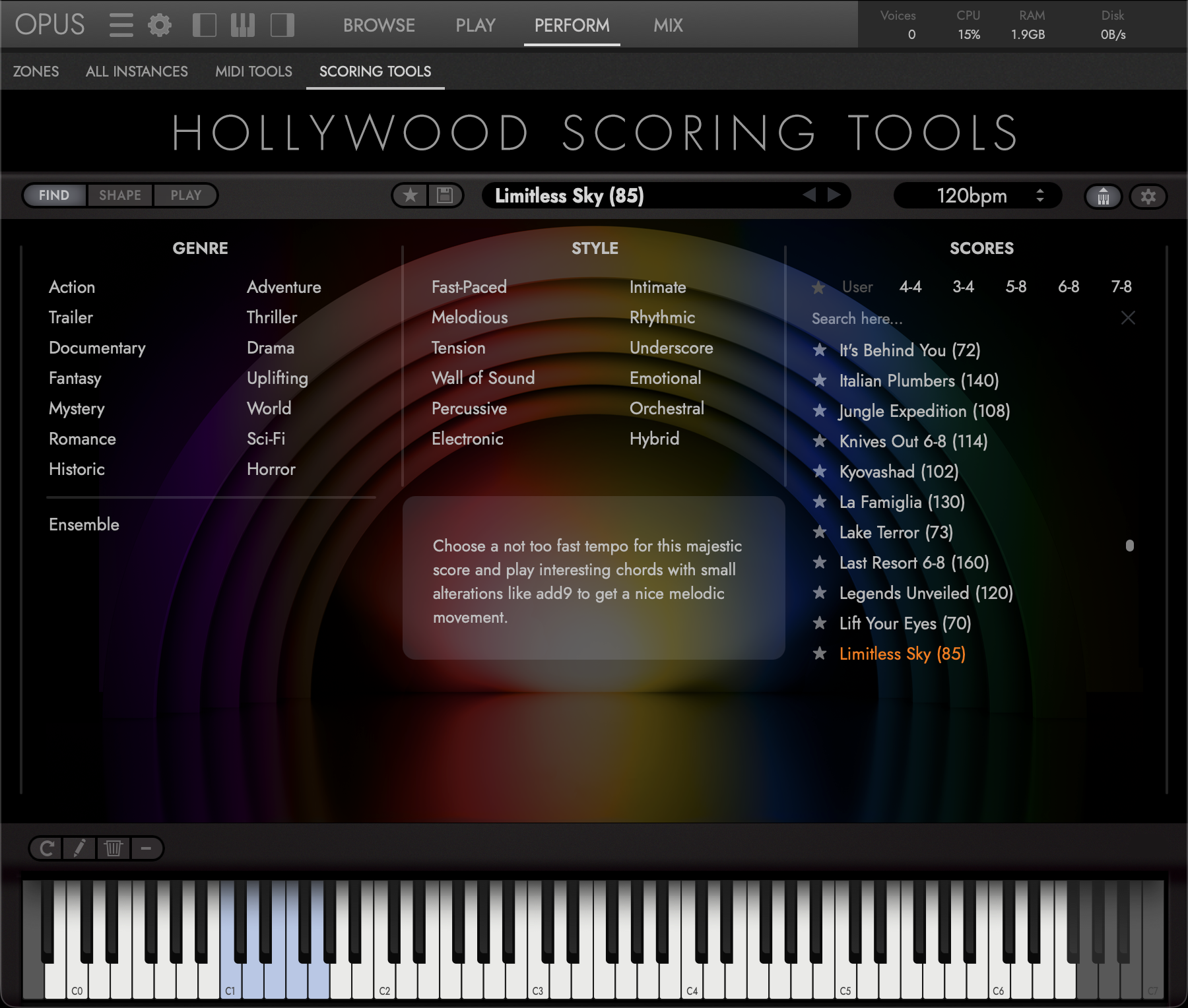
Fourteen genres, from Action and Adventure to Romance, Historic and Horror. Select several at once and the list narrows to the Scores that match all of them.
The Ensemble category holds large multi-instruments rather than scoring cues: Big Orchestra and Fantasy Orchestra through to World Ensembles of mallets, plucked instruments or strings.
Narrow by style
Twelve styles, such as Tension, Underscore, Wall of Sound and Hybrid, combine with the genres to pin down the mood you are after.
Find and load a Score
Filter by time signature, search by name, or star the Scores you reach for most and show only those. The User tag lists the ones you have saved.
Click to load and keep browsing; double-click to load and jump to the Shape page. Either way all ten slots fill with the Score's instruments, patterns, sections and dynamics.
Performance notes
Every factory Score comes with a short description of its musical intent and how to play it, such as where to sit in the range or when to hold a bass note.
-
Browse by genre
Fourteen genres, from Action and Adventure to Romance, Historic and Horror. Select several at once and the list narrows to the Scores that match all of them.
The Ensemble category holds large multi-instruments rather than scoring cues: Big Orchestra and Fantasy Orchestra through to World Ensembles of mallets, plucked instruments or strings.
-
Narrow by style
Twelve styles, such as Tension, Underscore, Wall of Sound and Hybrid, combine with the genres to pin down the mood you are after.
-
Find and load a Score
Filter by time signature, search by name, or star the Scores you reach for most and show only those. The User tag lists the ones you have saved.
Click to load and keep browsing; double-click to load and jump to the Shape page. Either way all ten slots fill with the Score's instruments, patterns, sections and dynamics.
-
Performance notes
Every factory Score comes with a short description of its musical intent and how to play it, such as where to sit in the range or when to hold a bass note.
Replace instruments
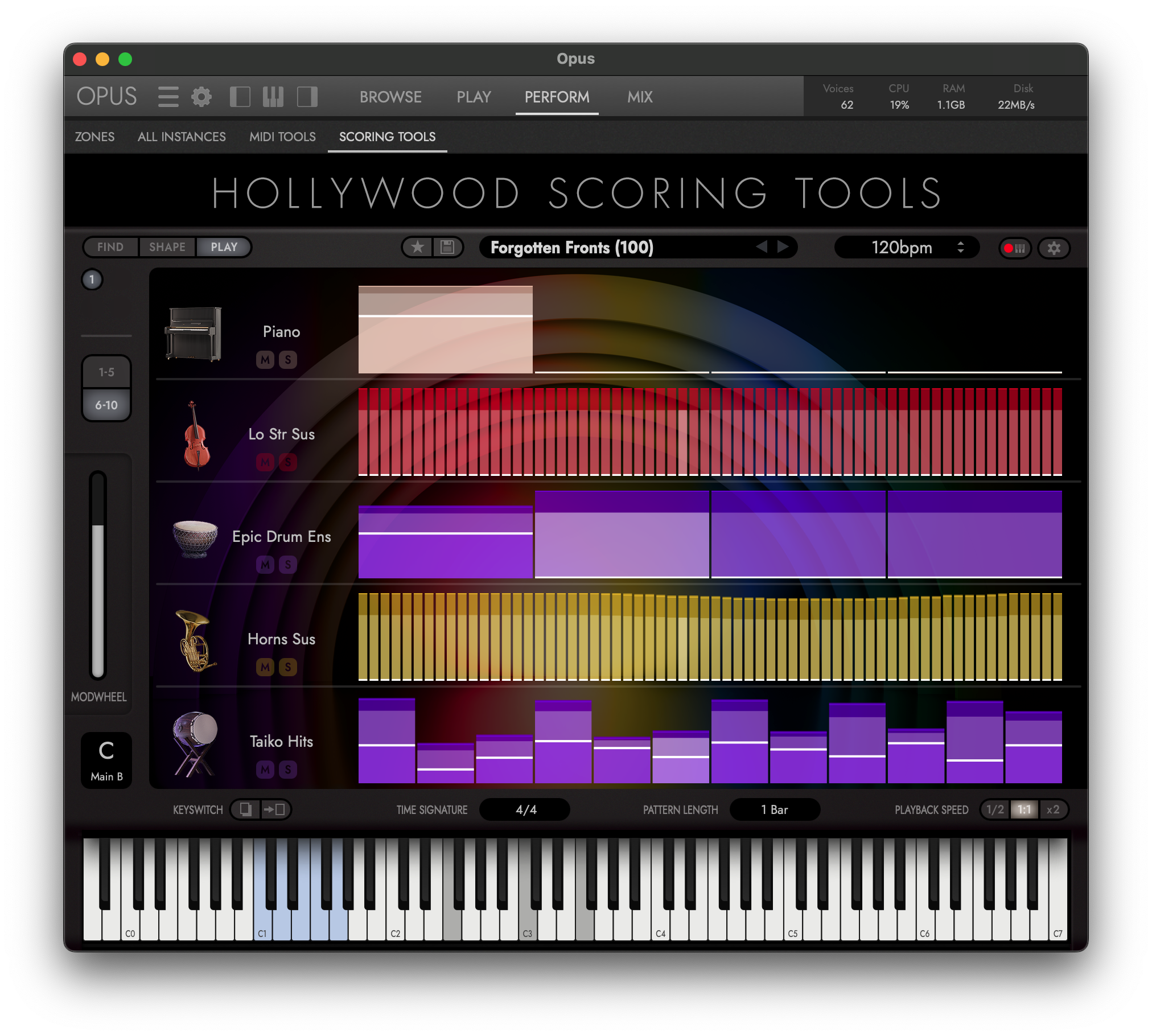
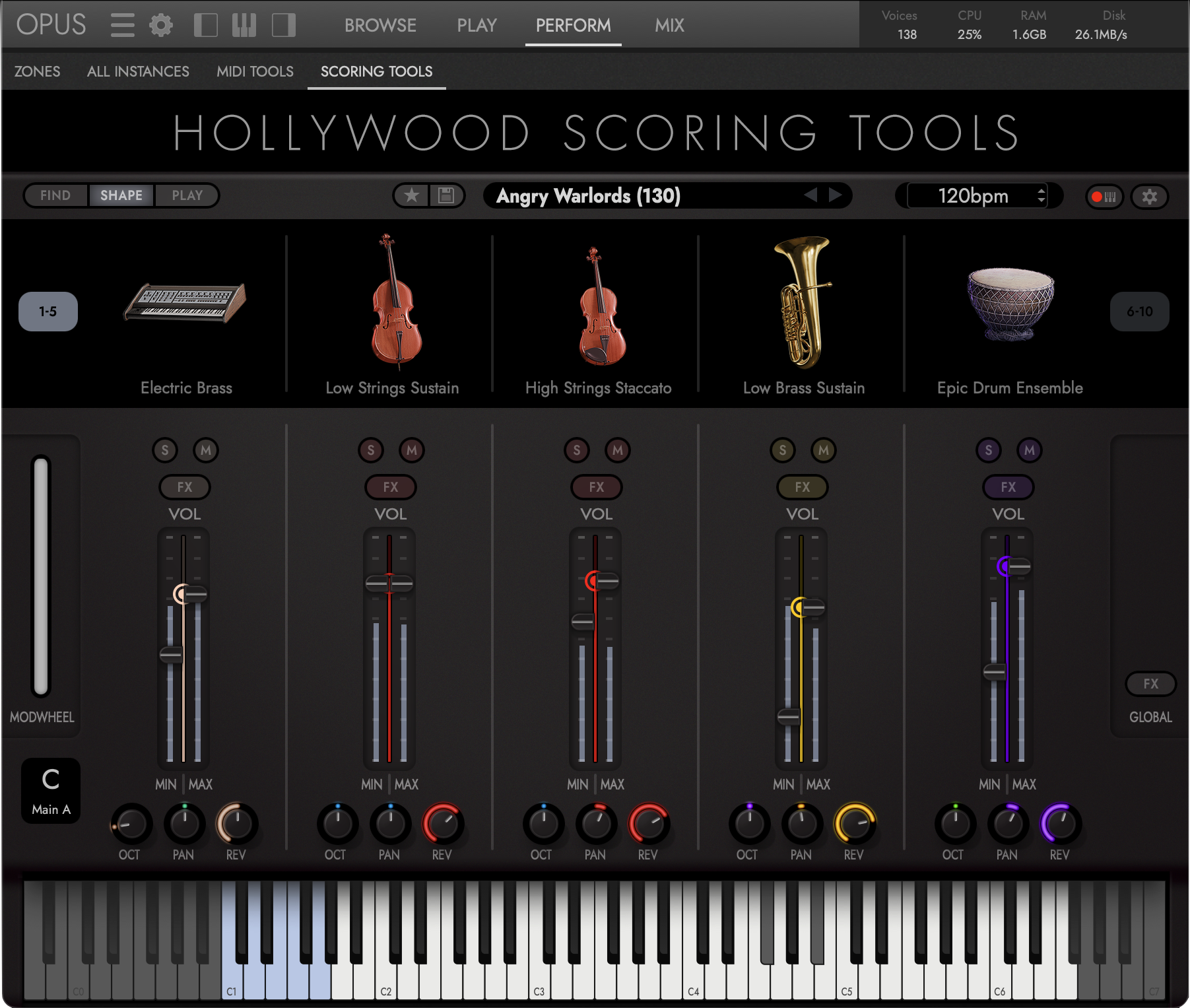
Every Score runs ten instrument slots, five on screen at a time. Click an instrument to open the Instrument Browser and swap in any of the 164 instruments the engine draws on.
Change articulations
There is no articulation switch to hunt for. Articulation is chosen by the instrument in the slot: High Strings Sustain, High Strings Staccato and High Strings Pizzicato are separate instruments, so changing articulation is a single swap.
Add new layers
Each slot is its own channel strip, with volume, pan, octave, reverb send, solo and mute. Its Min and Max handles set how quiet and how loud the slot gets as you ride the mod wheel, so one gesture takes the whole Score from intimate to full.
Edit effects
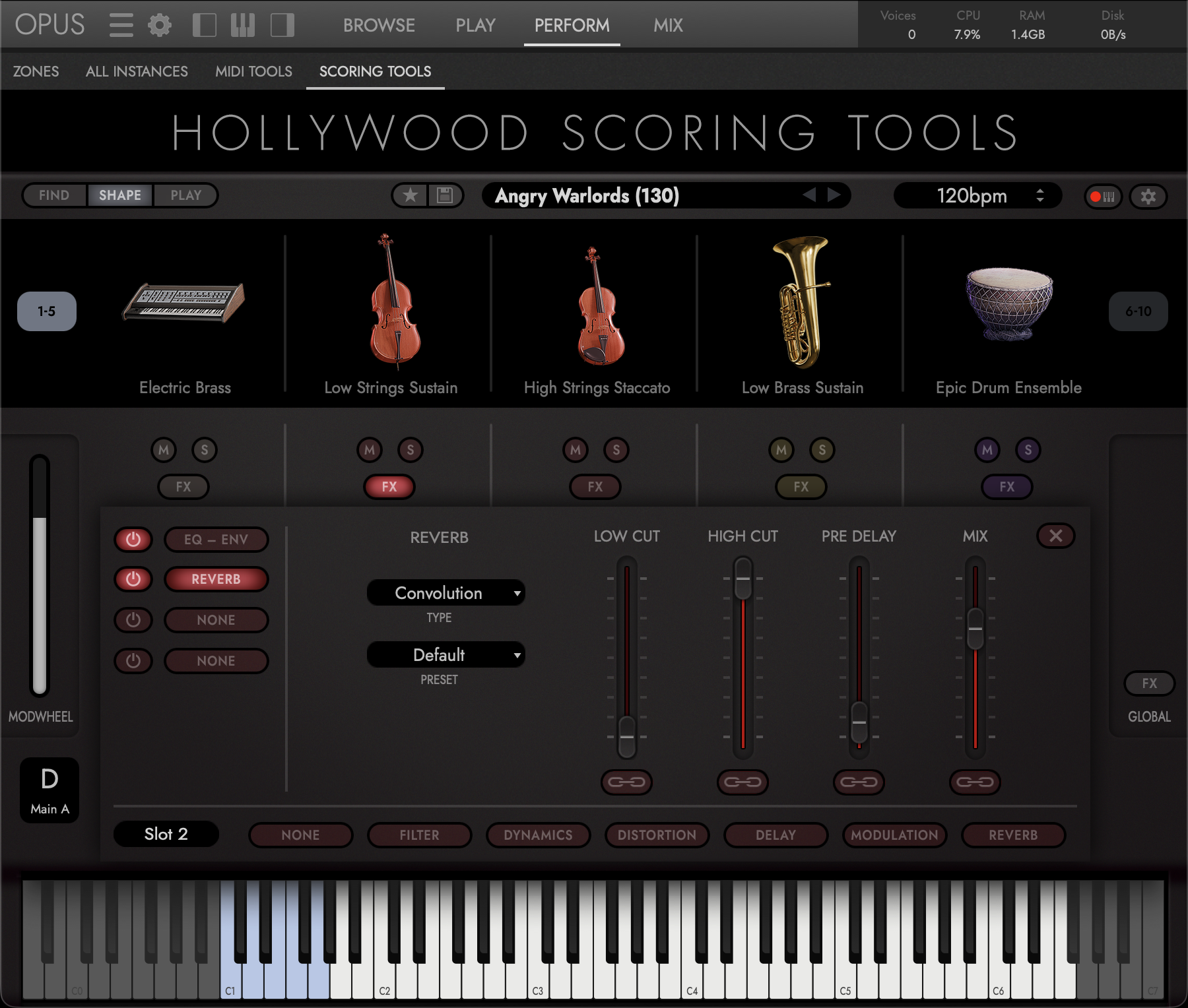
Click a slot's FX button to open its Sound Module: Attack and Release, a 3-band parametric EQ, and three Insert FX slots, each drawing on 21 effect types in six categories.
Global FX
The Global FX button opens the reverb every slot sends to. Choose Convolution, the sound of real recorded spaces, or Algorithmic, a space you can size, then start from one of its presets.
Save unlimited scores
Swap instruments, rebalance the mix and rewrite the patterns, then click Save in the Score Bar. Your arrangement becomes a User Score that sits alongside the factory Scores in the browser.
-
Replace instruments
Every Score runs ten instrument slots, five on screen at a time. Click an instrument to open the Instrument Browser and swap in any of the 164 instruments the engine draws on.
-
Change articulations
There is no articulation switch to hunt for. Articulation is chosen by the instrument in the slot: High Strings Sustain, High Strings Staccato and High Strings Pizzicato are separate instruments, so changing articulation is a single swap.
-
Add new layers
Each slot is its own channel strip, with volume, pan, octave, reverb send, solo and mute. Its Min and Max handles set how quiet and how loud the slot gets as you ride the mod wheel, so one gesture takes the whole Score from intimate to full.
-
Edit effects
Click a slot's FX button to open its Sound Module: Attack and Release, a 3-band parametric EQ, and three Insert FX slots, each drawing on 21 effect types in six categories.
-
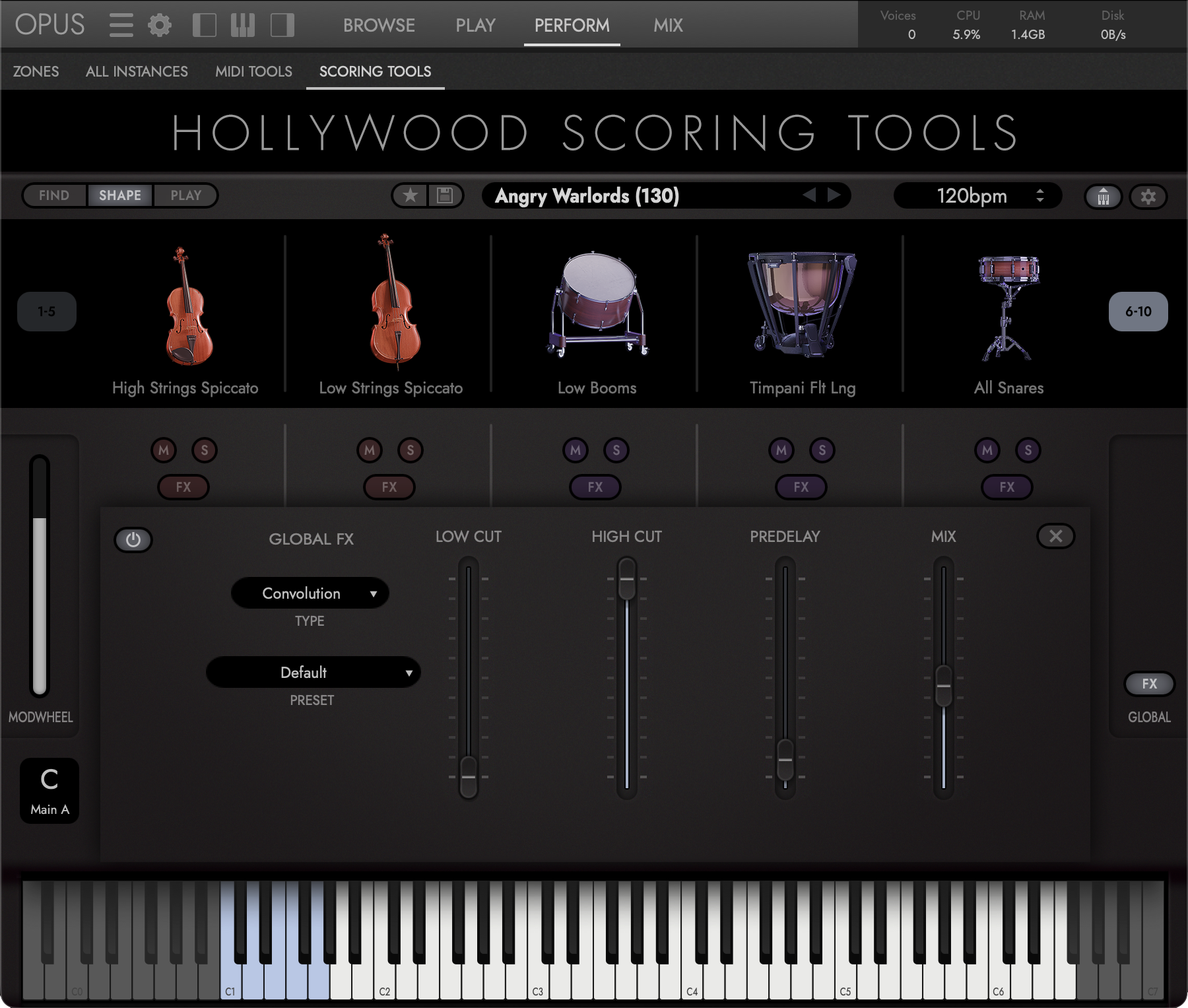
Global FX
The Global FX button opens the reverb every slot sends to. Choose Convolution, the sound of real recorded spaces, or Algorithmic, a space you can size, then start from one of its presets.
-
Save unlimited scores
Swap instruments, rebalance the mix and rewrite the patterns, then click Save in the Score Bar. Your arrangement becomes a User Score that sits alongside the factory Scores in the browser.
Animate every slot
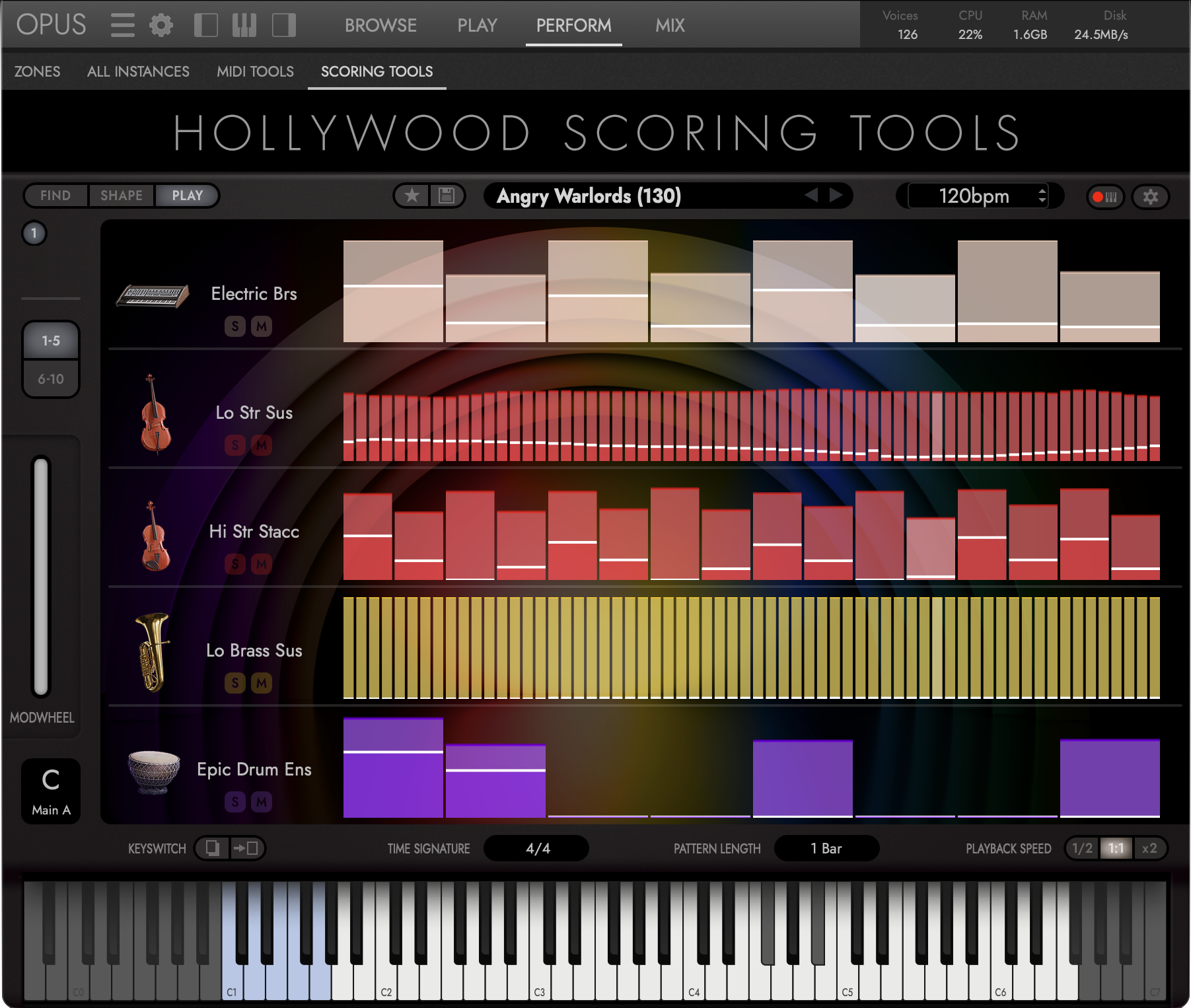
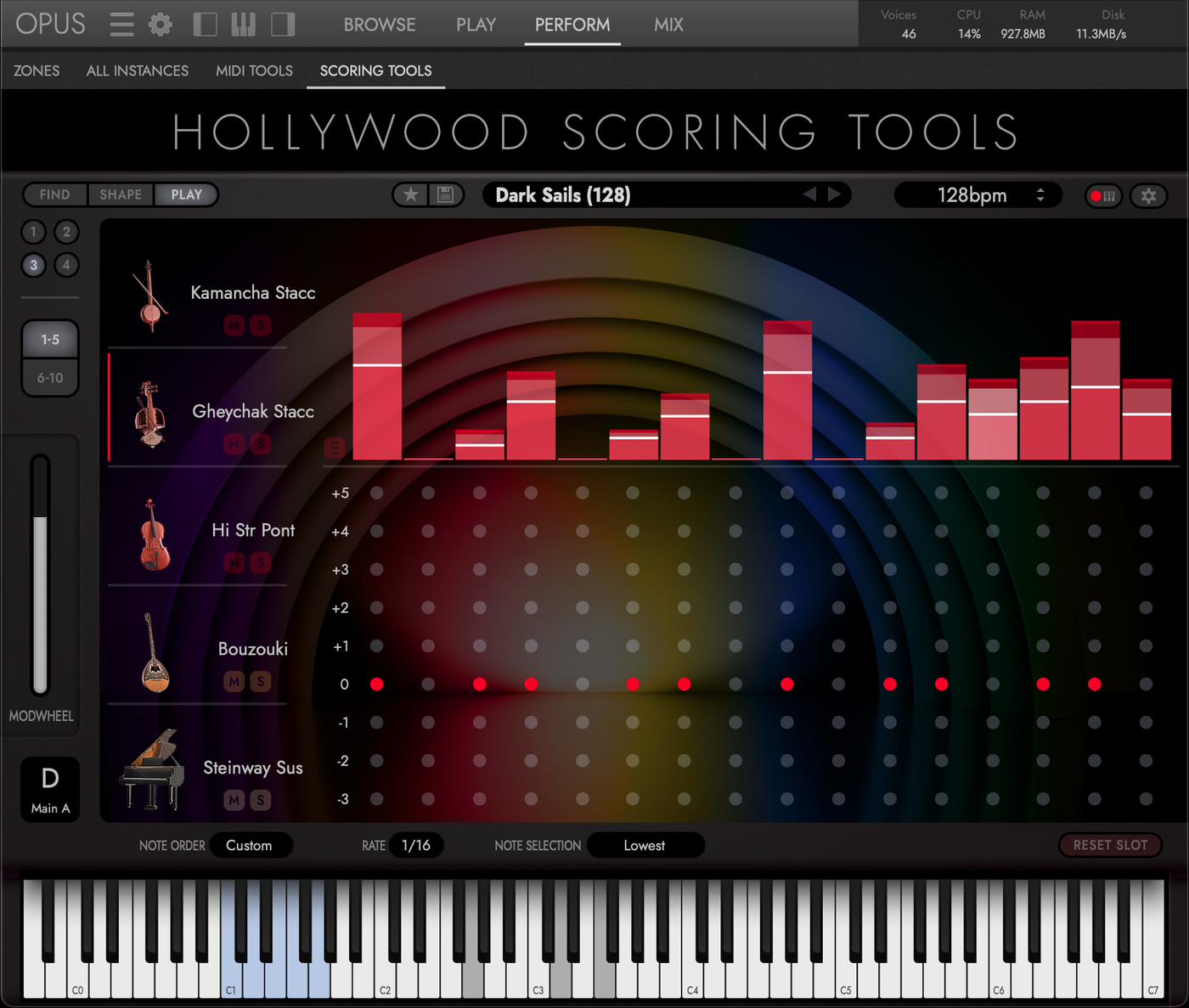
Each of the ten slots runs its own arpeggiator, and its strip shows the pattern it plays. Click a slot to open its editor for note order, rate, velocities and custom sequences.
Section keyswitches
Every Score is really four arrangements in one. Press one of the five blue keys to easily move between the separately arranged Intro, Main A, Main B, or Outro sections. C1-F1 swap sections respectively while G1 acts as an ending, stopping the arrangement on a final chord. You can also octave-displace the keyswitches in the Settings.
The Keyswitch Selector under the mod wheel names the section currently playing. Click it to choose one directly, without touching a key.
Copy a section
Copy a section's patterns across all ten slots and paste them into another: the quick way to build Main B from Main A, then vary it.
Set the feel
Choose the time signature, a pattern length of one, two or four bars, and half-time, normal or double-time playback.
Drag it into your DAW
Play, then drag the MIDI tile onto a track. The performance lands as a multitrack MIDI file, one track per slot, each named for its instrument.
-
Animate every slot
Each of the ten slots runs its own arpeggiator, and its strip shows the pattern it plays. Click a slot to open its editor for note order, rate, velocities and custom sequences.
-
Section keyswitches
Every Score is really four arrangements in one. Press one of the five blue keys to easily move between the separately arranged Intro, Main A, Main B, or Outro sections. C1-F1 swap sections respectively while G1 acts as an ending, stopping the arrangement on a final chord. You can also octave-displace the keyswitches in the Settings.
The Keyswitch Selector under the mod wheel names the section currently playing. Click it to choose one directly, without touching a key.
-
Copy a section
Copy a section's patterns across all ten slots and paste them into another: the quick way to build Main B from Main A, then vary it.
-
Set the feel
Choose the time signature, a pattern length of one, two or four bars, and half-time, normal or double-time playback.
-
Drag it into your DAW
Play, then drag the MIDI tile onto a track. The performance lands as a multitrack MIDI file, one track per slot, each named for its instrument.
Compare Your Workflow
Own Hollywood Orchestra Opus Edition
or Hollywood Fantasy Orchestra?
Crossgrade Today
and Save $100
What Will You Compose?
Whether you’re writing your first short film or your next blockbuster soundtrack, Hollywood Scoring Tools helps you spend less time building templates and more time telling stories through music.
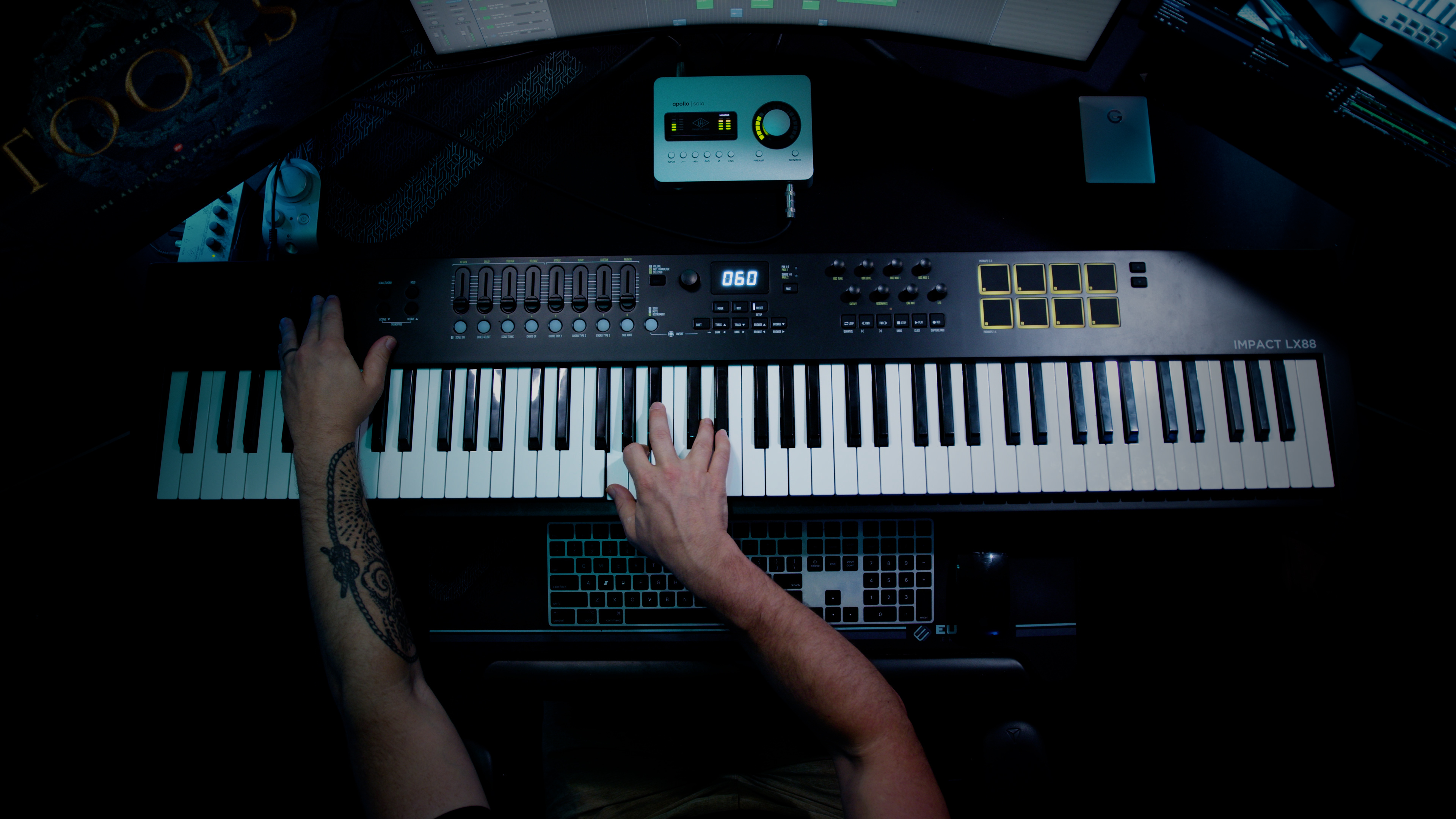
Get Hollywood Scoring Tools and all 80+ collections
that include over 43,000 instruments with ComposerCloud+
System Requirements
Below are the minimum and recommended hardware and software specifications for using Hollywood Scoring Tools in EastWest Opus.
Minimum System
- CPU
- Quad-core (four cores), running at 2.7 GHz or above
- RAM
- 16 GB
- OS
- macOS 10.15 or later; Windows 10 or later with ASIO sound drivers
- Drive
- HDD (7200 rpm, non-energy-saving)
Recommended System
- CPU
- Octa-core (eight cores), running at 2.7 GHz or above
- RAM
- 32 GB or more
- OS
- macOS 10.15 or later; Windows 10 or later with ASIO sound drivers
- Drive
- SSD (SATA or PCIe)
Runs in EastWest Opus 1.6.6 and above, native on Apple silicon and Intel Macs. Opus must be installed on a natively formatted system drive — NTFS on Windows, APFS on macOS 13+, Mac OS Extended (Journaled) on macOS 12 and below. Disk space for the complete sample library: TBD.
EastWest Hollywood Scoring Tools
Do You Want to Buy This Product or Get All Products With ComposerCloud+?
- AVAILABLE FOR PRE-ORDER
- Includes perpetual license to EastWest Hollywood Scoring Tools when released on October 29th
- Includes EastWest Instruments
- Includes EastWest Opus Player, 46 Mixer Effects and MIDI Tools
$399.00 $199.00
- AVAILABLE FOR PRE-ORDER
- LIMITED-TIME OFFER for owners of Hollywood Orchestra Opus Edition or Hollywood Fantasy Orchestra
- Includes perpetual license to EastWest Hollywood Scoring Tools when released on October 29th
- Includes EastWest Opus Player, 46 Mixer Effects and MIDI Tools
$239.88/year $149/year
- Includes EastWest Hollywood Scoring Tools and all 80+ EastWest releases
- Includes 43,776 EastWest Instruments
- Includes EastWest Opus Player, 46 Mixer Effects and MIDI Tools
- Includes all new product releases
Instant Savings:
Was:

Pay over 3, 6, or 12 months starting at $23 per month
Check your purchasing power

Delivered In Minutes!
Delivered by download. You can download individual instruments in seconds.
Software Is Not Returnable
Sorry, Software cannot be returned once it has been delivered. Contact our support if you need any help with ensuring compatibility or finding the right version.